ITS Order Picking

Loads the products into the shipping for dispatch, standardizes the case information and labels—initiating the shipment process smoothly.

Order preparation does not end with loading; the original speed and quality emerge in the packaging process. Packaging/Palletizing module; loads the loaded products into a regular packaging workflow, consolidates the palletizing information in a single format, and transforms the order into a dispatch-ready, closed structure.

The module aggregates the packaging operations that are scattered on the floor in a single flow: which order will be packed, which pallet will be created, are the pallet information correct, is the operation complete—thus, both the labeling step starts smoothly and shipment stage issues like 'missing/poor pallet information' do not occur.

Request a Demo

Packing / Boxing
Packing / Boxing
Packing / Boxing moves fully picked orders to the packing task list, creates box and boxing information, verifies package contents, completes packing and hands the order off to labeling and shipment, while keeping the entire process traceable.
View Packaging Operations
Start Packaging Operations
Pallet Creation and Information
Completion and Handover
Tracking and Traceability
View Packaging Operations

View Packaging Operations

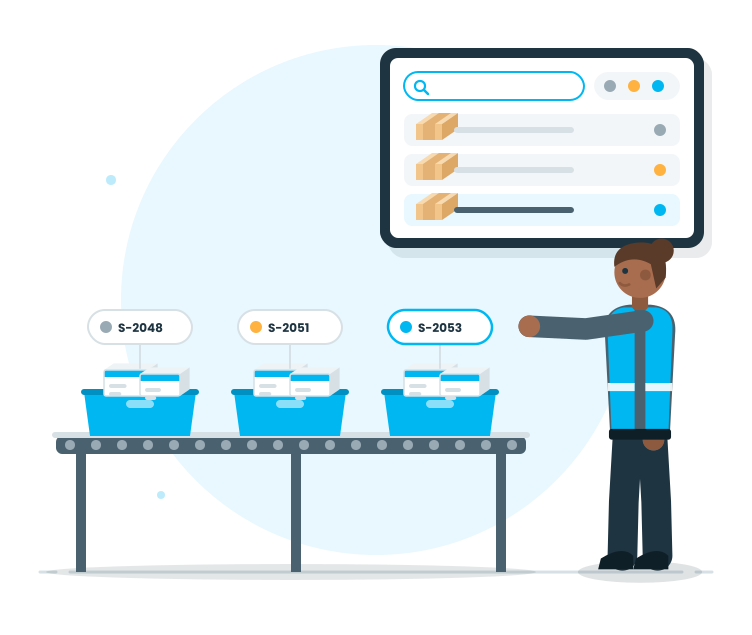
This stage is the work plan for the packaging team. Completed consolidations and orders awaiting packaging are clearly listed; the order in the queue is visible.

Features

  •  List of Orders Waiting for Packaging
  •  Order-based quick access
  •  Filtering and searching (order, customer, date, etc.)
  •  Status Visibility (Waiting/In Progress/Completed)
  •  Clear list showing the workload
  •  Quickly check the order contents

List of Orders Waiting for Packaging
Packed orders are consolidated into a single list; the team can see what needs to be packed.

Order-based quick access
Orders are entered quickly; floor time is reduced.

Filtering and searching (order, customer, date, etc.)
It is easier to find the right work; operations speed up.

Status Visibility (Waiting/In Progress/Completed)
It is clear which order is waiting, which is in progress, and which is completed.

Clear list showing the workload
The warehouse does not struggle with complex screens; it focuses on the work itself.

Quickly check the order contents
Control the scope of the order before packaging starts; errors are prevented at the beginning.

Start Packaging Operations

Start Order Receipt Operations

At this stage, the order transforms into a packaging operation to be carried out on the floor. The system lays out the packaging steps; the team progresses under control.

Features

  •  Start packaging operations based on the order
  •  Consolidate the packaging scope
  •  Define the steps of the operation
  •  The option to pause the operation and continue
  •  Controlled and disciplined progress
  •  Real-time guidance during the operation

Start packaging operations based on the order
Packaging starts in a single step; the process progresses in a 'start-end' pattern.

Consolidate the packaging scope
The packed order and contents are clear; confusion decreases on the floor.

Define the steps of the operation
Operators know what to do in what sequence; uncertainty is eliminated.

The option to pause the operation and continue
Even in crowded areas, the process does not get lost; the operator continues from where they left off.

Controlled and disciplined progress
Critical steps are kept under control; the process does not randomly stop.

Real-time guidance during the operation
The floor team moves in the right steps; unnecessary trial-and-error is reduced.

Pallet Creation and Information

Pallet Creation and Information

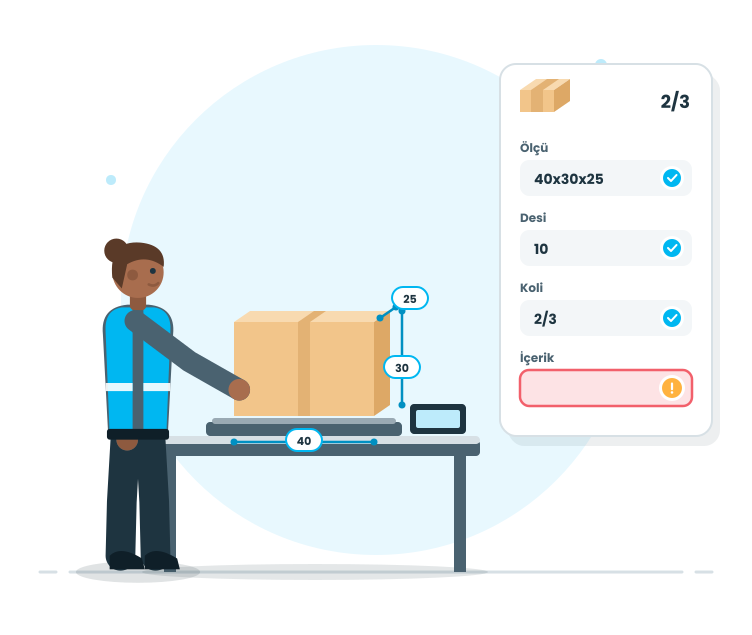
This stage determines the quality of packaging. The structure of the pallet, measurements/densities of the pallet; ensures smooth labeling and shipment processes.

Features

  •  Pallet Creation
  •  Pallet measurements/densities input
  •  Management of pallet quantity and packaging arrangement
  •  Consolidate the contents of the pallet
  •  Warning for missing/excessive pallet information
  •  Update and adjust pallet information
  •  Reduce errors with standard pallet data

Pallet Creation
The packaging structure for the order is clear; a dispatch-ready structure is formed.

Pallet measurements/densities input
Pallet information standardizes; logistic processes do not encounter issues.

Management of pallet quantity and packaging arrangement
The number of pallets for the order is clear; floor organization and control become easier.

Consolidate the contents of the pallet
The contents of the package are clear; confusion decreases in labeling and loading processes.

Warning for missing/excessive pallet information
Moving forward with missing information becomes difficult; errors are caught early.

Update and adjust pallet information
The process does not break down when the plan changes; it is updated regularly.

Reduce errors with standard pallet data
Each order is packaged in the same logic; quality improves, repetition decreases.

Completion and Handover

Completion and Handover

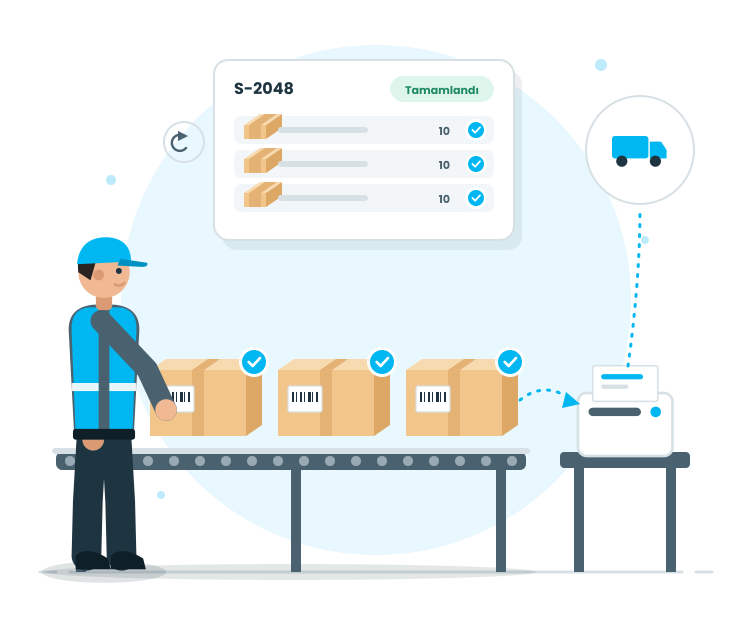
Package sealing concludes the process cleanly and data is passed to the tagging and shipping steps in the correct order for the order, with no ambiguity.

Features

  •  Mark the package as completed
  •  The completed task appears on the list
  •  Switch to the tagging step
  •  Create the correct carton data for dispatch
  •  Implement discipline in closing processes to standardize workflows
  •  Handle errors with controlled corrective actions

Mark the package as completed
The process closes cleanly when packaging is complete; uncertainty disappears.

The completed task appears on the list
The workload for packaging decreases; the team can see which tasks are closing.

Switch to the tagging step
Tagging begins with the correct carton information; the process speeds up.

Create the correct carton data for dispatch
Logistics processes run smoothly; the need for later corrections decreases.

Implement discipline in closing processes to standardize workflows
Each packaging follows the same pattern; operational quality improves.

Handle errors with controlled corrective actions
The process does not randomly break down under normal circumstances; controlled corrections are made when necessary.

Tracking and Traceability

Tracking and Traceability

Order management is the heart of daily operations. Therefore, the ability to query, track, and visibility should be strong. This stage supports both site management and managerial visibility.

Features

  •  Status-based monitoring (waiting/ongoing/completed)
  •  Order inspection and quick finding
  •  Visibility of progress based on the operation step
  •  Performance tracking of waiting tasks on the waiting screen
  •  Reporting and providing data for KPIs
  •  Operational transparency through the transaction history
  •  Site and office see the same data

Status-based monitoring (waiting/ongoing/completed)
Tasks awaiting are clear; workload management becomes easier

Order inspection and quick finding
Orders are quickly found even in a crowded area; time loss is reduced

Visibility of progress based on the operation step
The order can be seen at which step it is; intervention is quick

Performance tracking of waiting tasks on the waiting screen
Picking/packaging/barcoding loads are visible; planning is strengthened

Reporting and providing data for KPIs
Order performance can be measured; improvement areas are revealed

Operational transparency through the transaction history
Operational progress can be traced; inspection and internal control become easier

Site and office see the same data
There is only one reality of the operation; communication gaps are reduced.