Rules and Limits

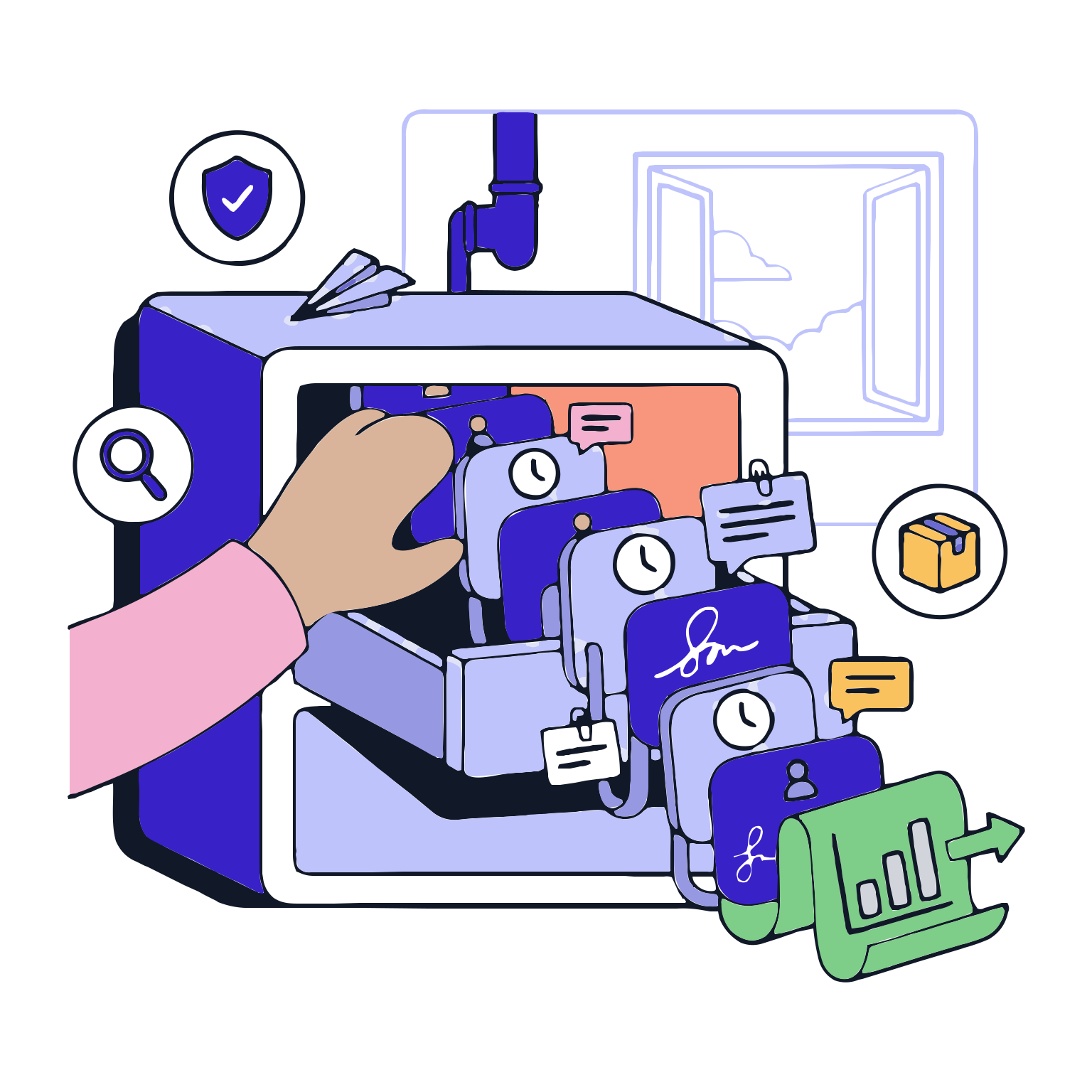
This module defines critical risks in production; often not 'incorrect production', but 'lack of timely and proper control'. The module standardizes parameters and control points in production steps; defines acceptance intervals and controls them automatically during production to bring risks to a visible level.

This module does not merely sum values; it clarifies values, catches deviations early, and triggers necessary actions. It ensures more secure and fluid operations; more consistent records for quality, faster inspections, and stronger audit preparation.

Request a Demo

Workflows and Approval Flows
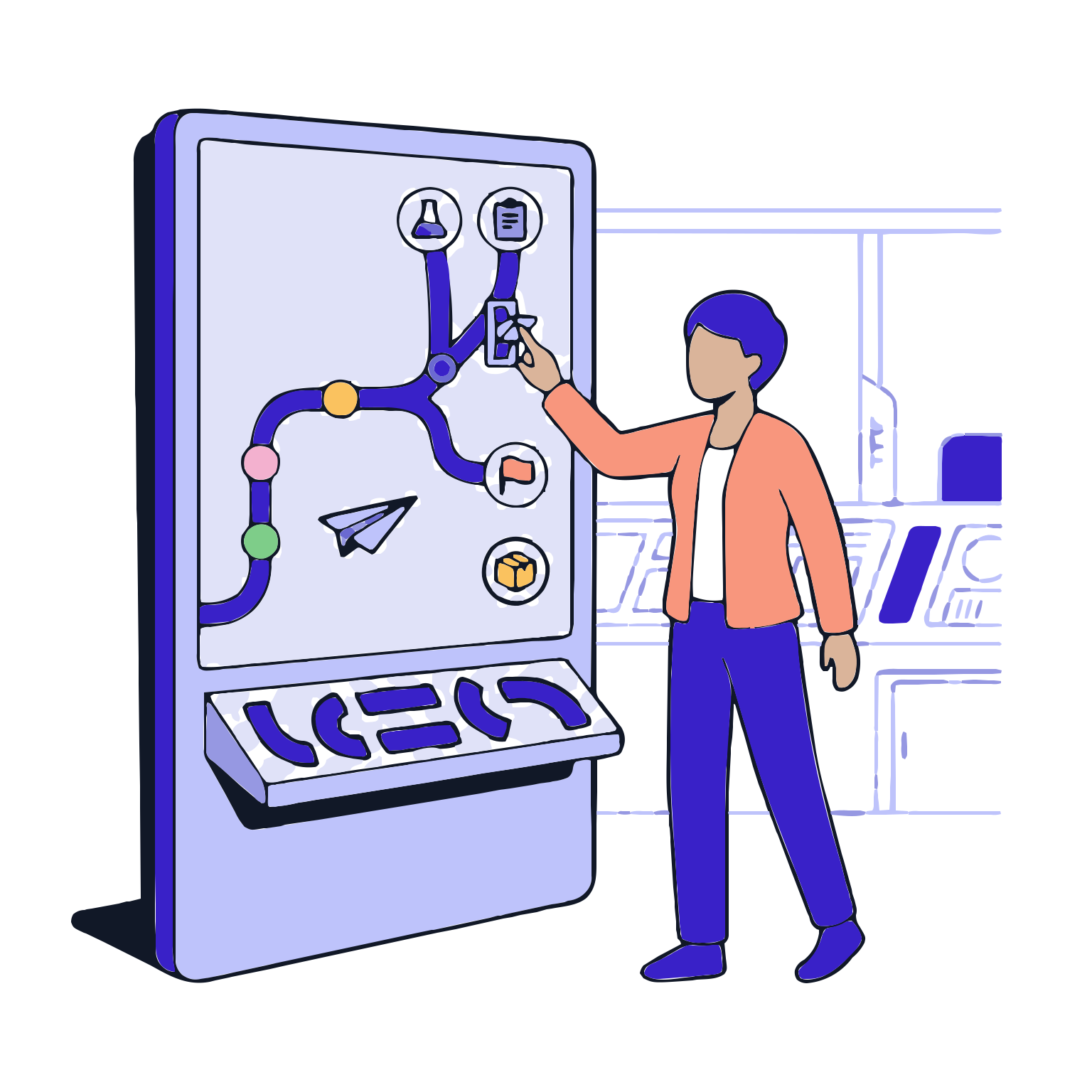
Workflows and Approval Flows enables tasks to be created and routed to the appropriate people, approval steps to be executed sequentially or conditionally, and the entire process to be recorded. Supported by identity, role, authorization and timestamp data, this structure makes delays visible…
Process Design
Role and Permission Assignment
Task Assignment and Notifications
Approval Rules and Conditions
Monitoring and Delays Management
Record and Audit Preparation
Process Design

Process Design

Define the process steps in a ‘start-to-finish’ logic: when does each step start, what decisions are made, and which paths are taken. This ensures that production and quality processes operate at the same standard on-site.

Features

  •  Process Template for Quick Setup
  •  Define Process Steps and States
  •  Conditional Branching Structure
  •  Module Integration of Processes

Process Template for Quick Setup
Start with Ready-to-Use Templates for Quick Setup, Define Standard Start Points to Shorten Design Time and Standardize the Start Point.

Define Process Steps and States
Clarify Process States Such as ‘Draft, Review, Approval, In-Use’ to Ensure That Processes Are Understandable to Everyone.

Conditional Branching Structure
Define Different Paths Based on Specific Criteria to Create Flexible but Controlled Process Management.

Module Integration of Processes
Integrate Processes with Modules Such as Recipe, Batch Release, Deviation, and Batch Closure to Make Processes Flow Continuously.

Role and Permission Assignment

Role and Permission Assignment

Define the Boundaries and Roles for Process Execution. Here, it is Determined Who Starts Each Step, Who Approves It, and Who Can Only View It.

Features

  •  Role-Based Authorization
  •  Boundary and Role Scope
  •  Disaggregated Responsibility Model
  •  Fit with Staffing and Organization Structures

Role-Based Authorization
Assign Approvals and Tasks to Roles Instead of Individuals to Maintain Process Continuity During Staff Changes.

Boundary and Role Scope
Define Roles for Specific Tasks to Prevent Unchecked Interference and Create a Secure Process.

Disaggregated Responsibility Model
Separate Roles for Critical Steps to Reduce the Risk of Single Person Single Decision Errors in Critical Steps.

Fit with Staffing and Organization Structures
Automatically Transfer Permissions to the Correct Roles During Staff Changes to Ensure Process Continuity.

Task Assignment and Notifications

Task Assignment and Notifications

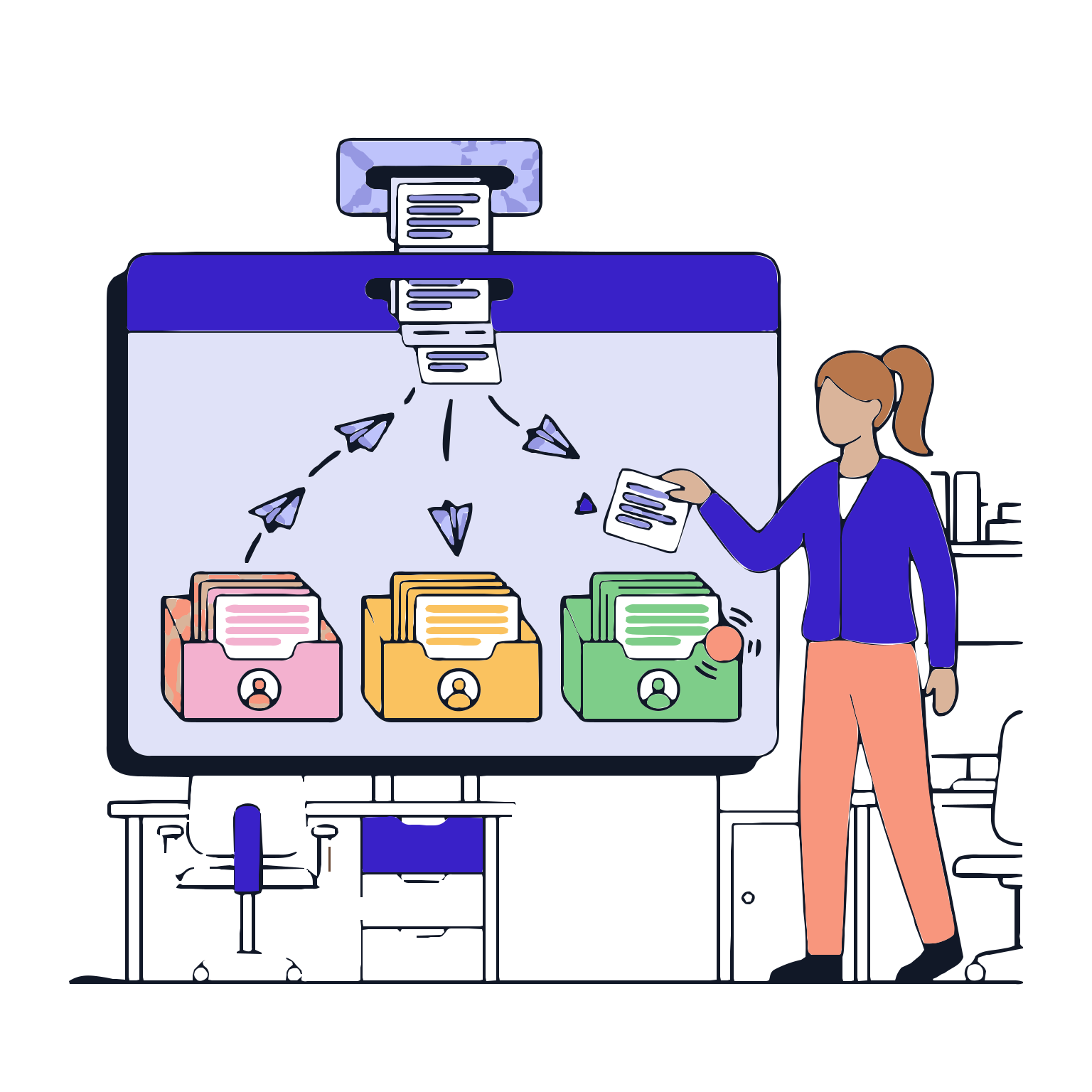
Tasks are Automatically Generated and Delivered to the Relevant Person When the Process Starts. This Makes the Process ‘self-managing’ Rather Than ‘waiting for management’.

Features

  •  Automated Task Generation
  •  Task Queue and Worklist
  •  Notifications and Reminders
  •  Task Circulation and Reassignment

Automated Task Generation
Tasks are Automatically Generated by the System When the Process is Triggered; Manual Coordination and Tracking Requirements Decrease.

Task Queue and Worklist
Users Can Access Their Assigned Tasks Through a Single Worklist; Prioritization and Planning Become Easier.

Notifications and Reminders
Notifications are Sent for Tasks Due, Overdue, or Delayed; This Prevents Delays in the Process.

Task Circulation and Reassignment
Permissions, Staffing, or Organizational Changes are Controlled to Maintain Process Continuity.

Approval Rules and Conditions

Approval Rules and Conditions

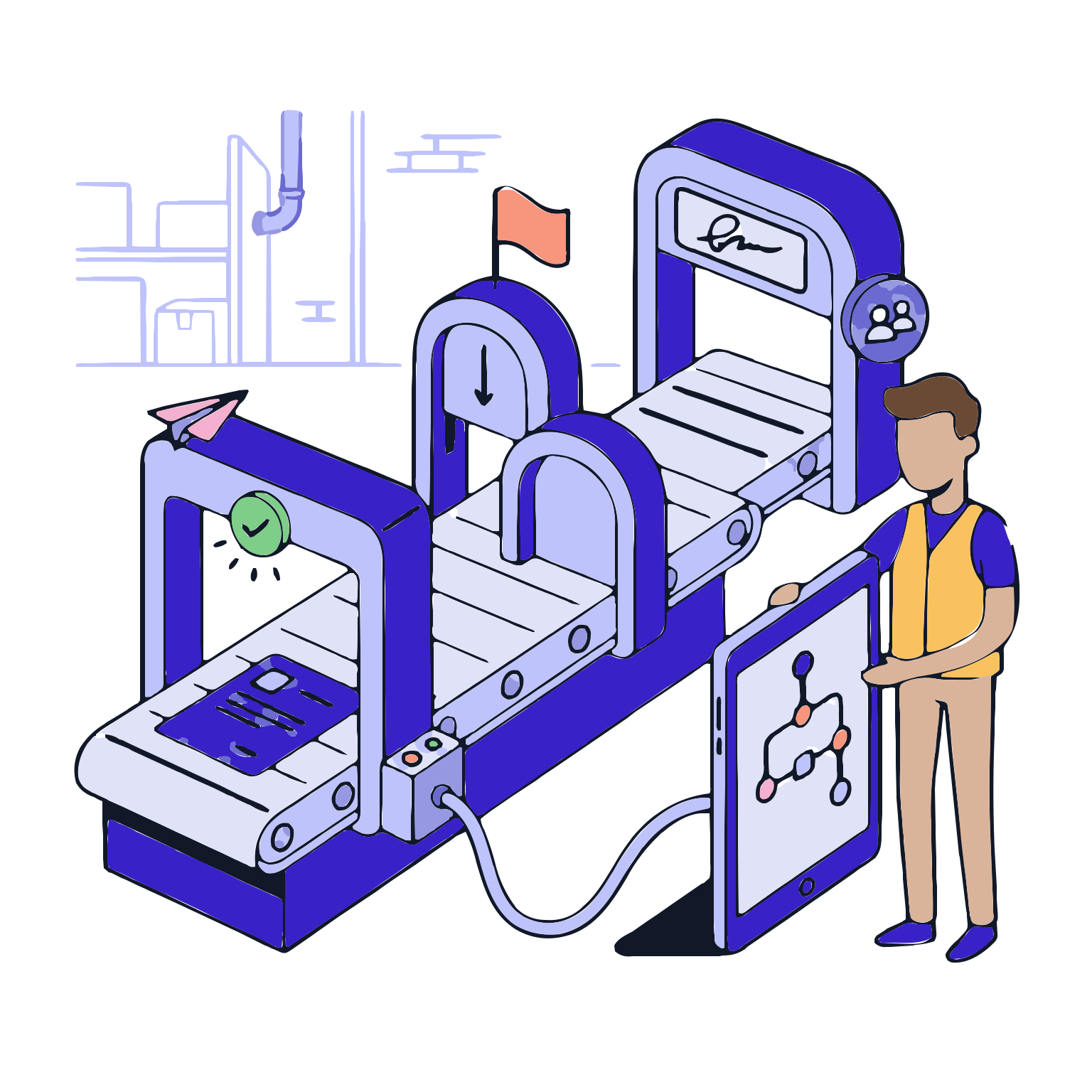
Rules Define When and When Not to Approve. Here, It Is Defined When Approvals Are Required, When Certain Information Is Missing, and What Additional Steps Are Taken in Risky Situations.

Features

  •  Required Control Points
  •  Conditional Approval Steps
  •  Multiple Approval and Sequence Models
  •  Second-party validation and signature requirement

Required Control Points
Critical areas cannot be approved until completed; exceptions or deviations cannot be approved until risks are mitigated.

Conditional Approval Steps
In cases of exceedance, exceptions, or deviations, additional approval steps are automatically implemented; risky processes are brought under control.

Multiple Approval and Sequence Models
Approval processes are defined to proceed in a specific sequence or in parallel; governance and decision-making discipline are strengthened.

Second-party validation and signature requirement
Second-party validation and signature requirement are introduced in critical operations to enhance security; records become robust evidence in audits.

Monitoring and Delays Management

Monitoring and Delays Management

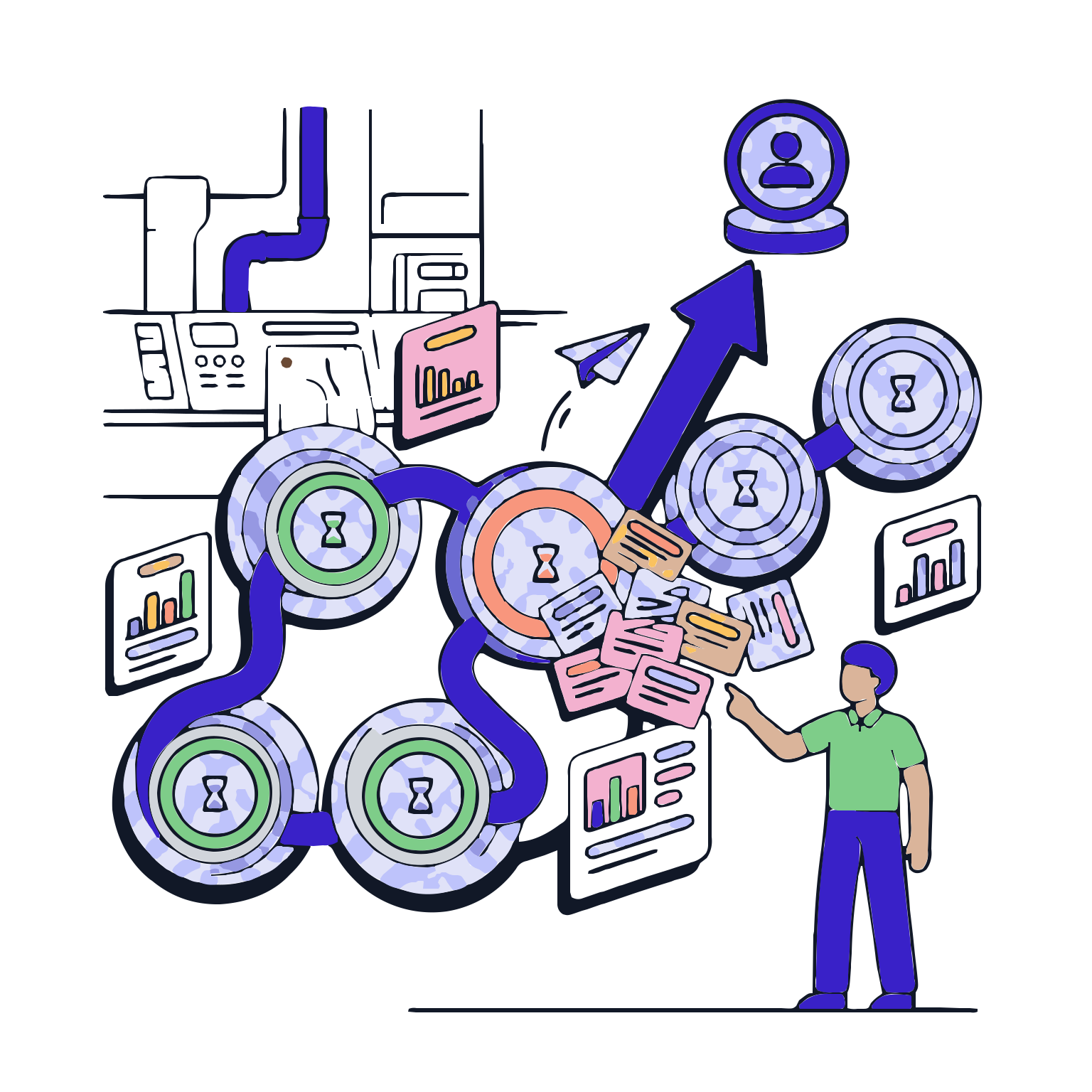
In addition to results, process performance is also important at this stage. Visibility is provided on where the flow is, who is waiting, and the impact of delays.

Features

  •  Flow monitoring screen
  •  Delay and time targets
  •  Point of congestion visibility
  •  Escalation and upper-level notification mechanism

Flow monitoring screen
The process is clearly tracked at which step, who is waiting, and how long they have been waiting.

Delay and time targets
Step-based target timelines are defined to measure delays and evaluate performance objectively.

Point of congestion visibility
Critical delays are identified; net data is generated for process improvement and resource planning.

Escalation and upper-level notification mechanism
Automated notifications are sent to relevant managers for critical delays; flow is prevented from stopping and control losses are avoided.

Record and Audit Preparation

Record and Audit Preparation

Validation and workflow is one of the most frequently questioned aspects in audits: 'Who did what, who approved it, under what conditions did it proceed?' This stage captures the entire flow and can be reported as needed.

Features

  •  Historical workflow and time stamps
  •  Validation records and signature trails
  •  Justifications and attachments for decisions
  •  Reportable flow outputs

Historical workflow and time stamps
All steps in the process are recorded with who performed them, when they were performed; traceability is ensured.

Validation records and signature trails
Validation steps, approver roles and times are stored together with the validation record; robust and secure validation sets are formed.

Justifications and attachments for decisions
Notes and supporting documents explaining the reasons for decisions are attached to the validation record; record integrity is strengthened.

Reportable flow outputs
Process performance, validation timelines, and decision history can be reported; internal and external audit preparation becomes easier.