Integrated Data Collection

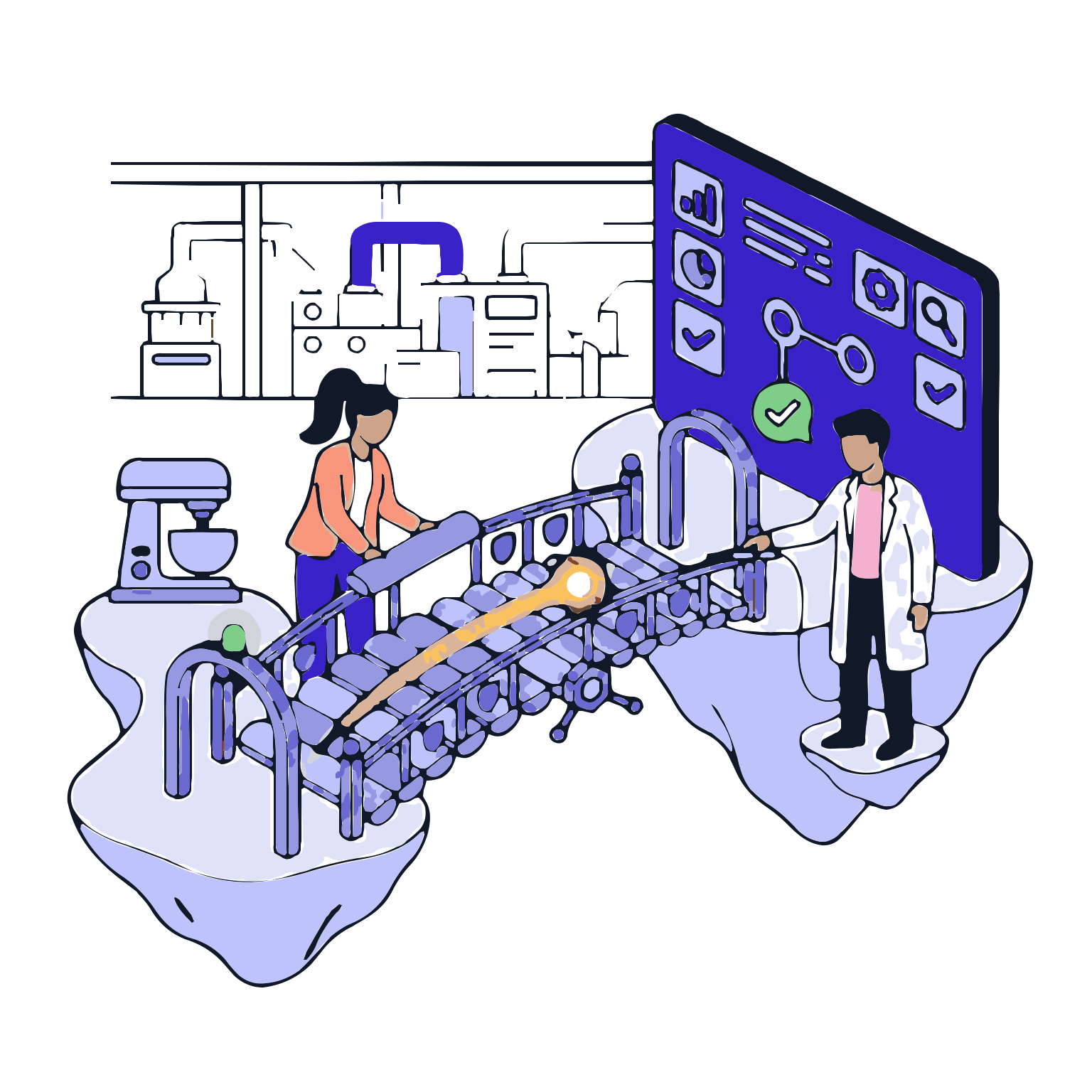
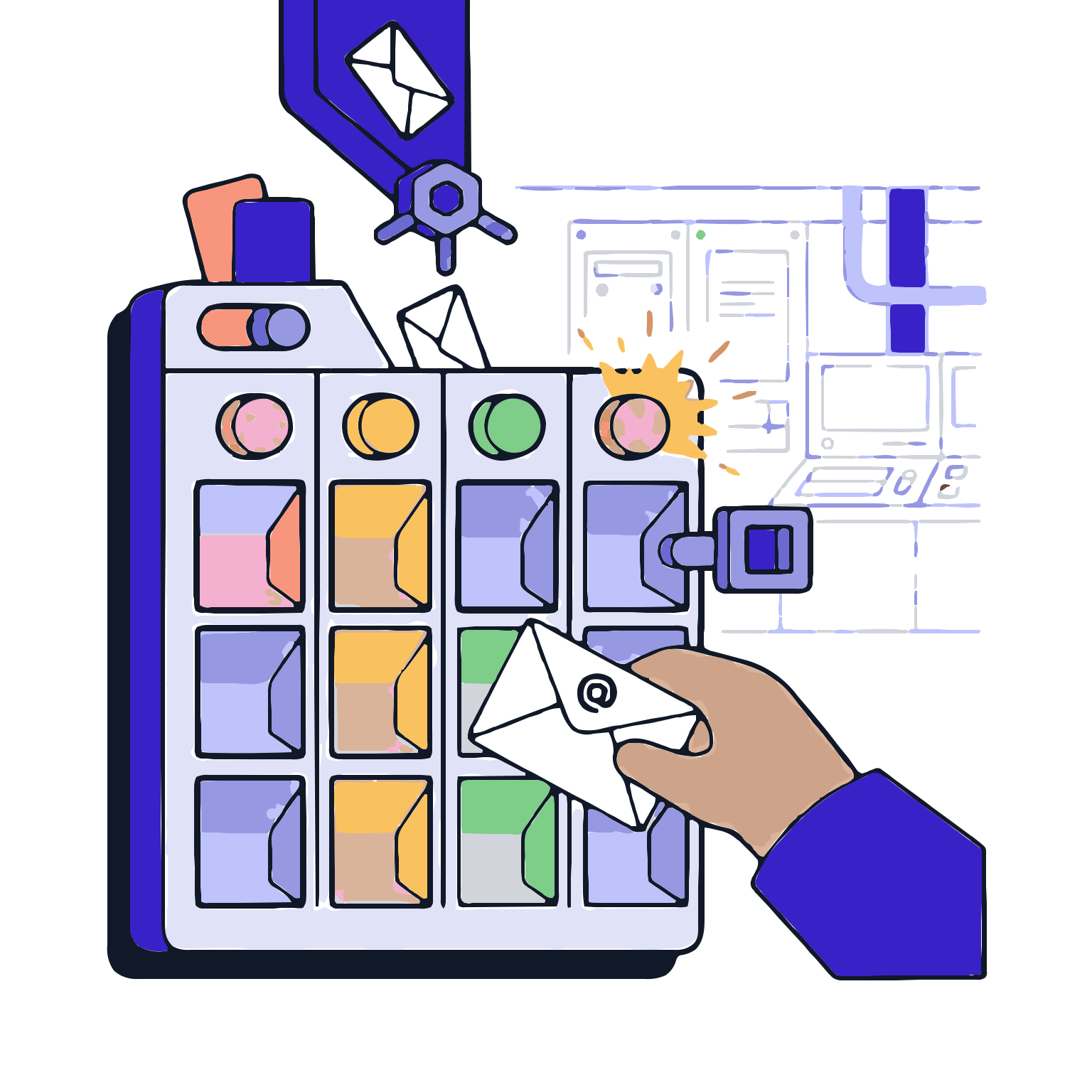
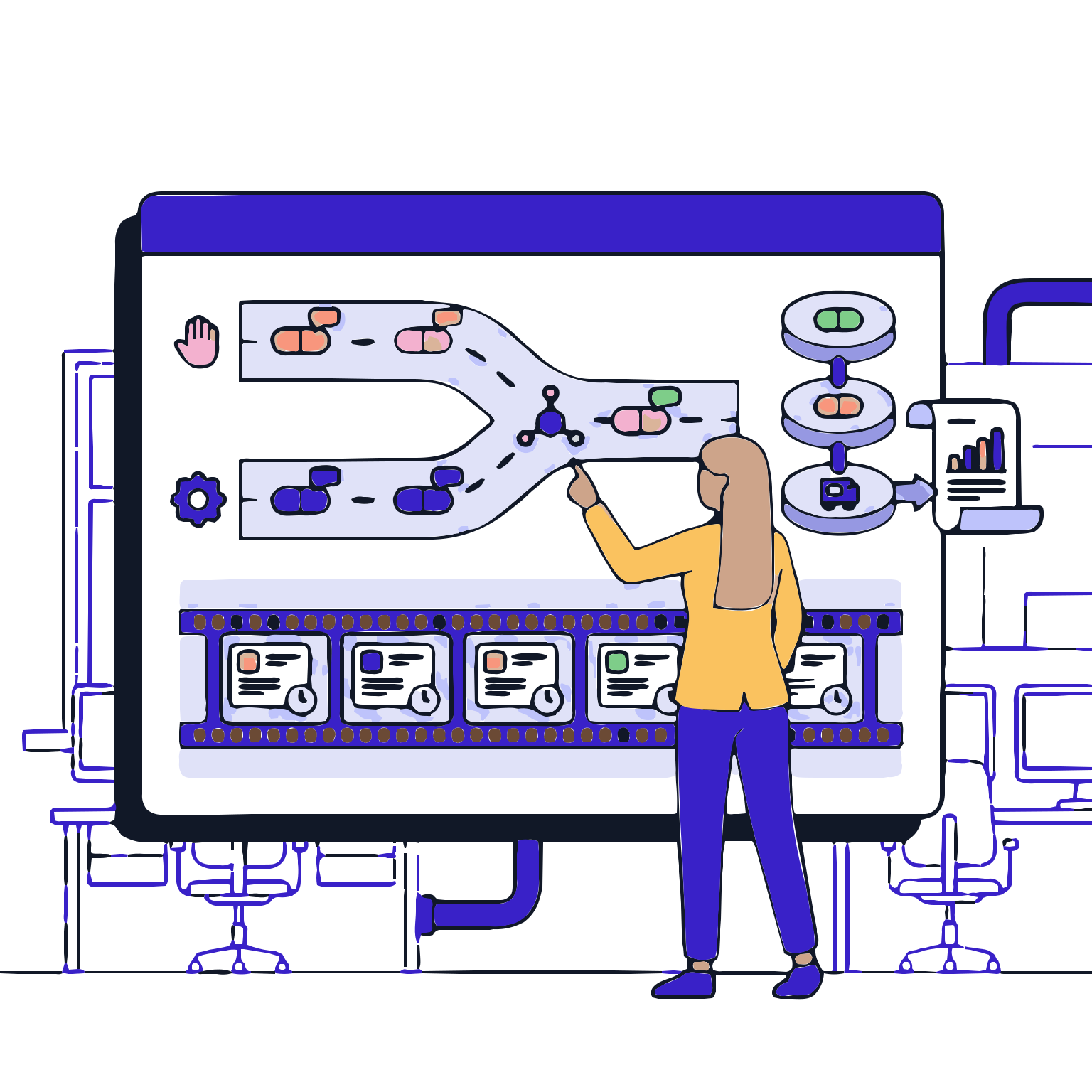
Data in production comes from two sources: people and equipment. When data comes from multiple sources, consistency and traceability of the records become more challenging; manual entry errors increase, and post-hoc corrections become necessary. The Integration Data Capture module merges manual entries and automatic equipment data into a single batch record; it consolidates production data into a single, true representation.

With this module, operators use verified data instead of re-entering; values from the equipment are timestamped; the data source, context, and relationships are clarified. Result: faster execution, fewer errors, stronger data integrity, and a more robust audit trail.

Request a Demo

Integrated Data Collection
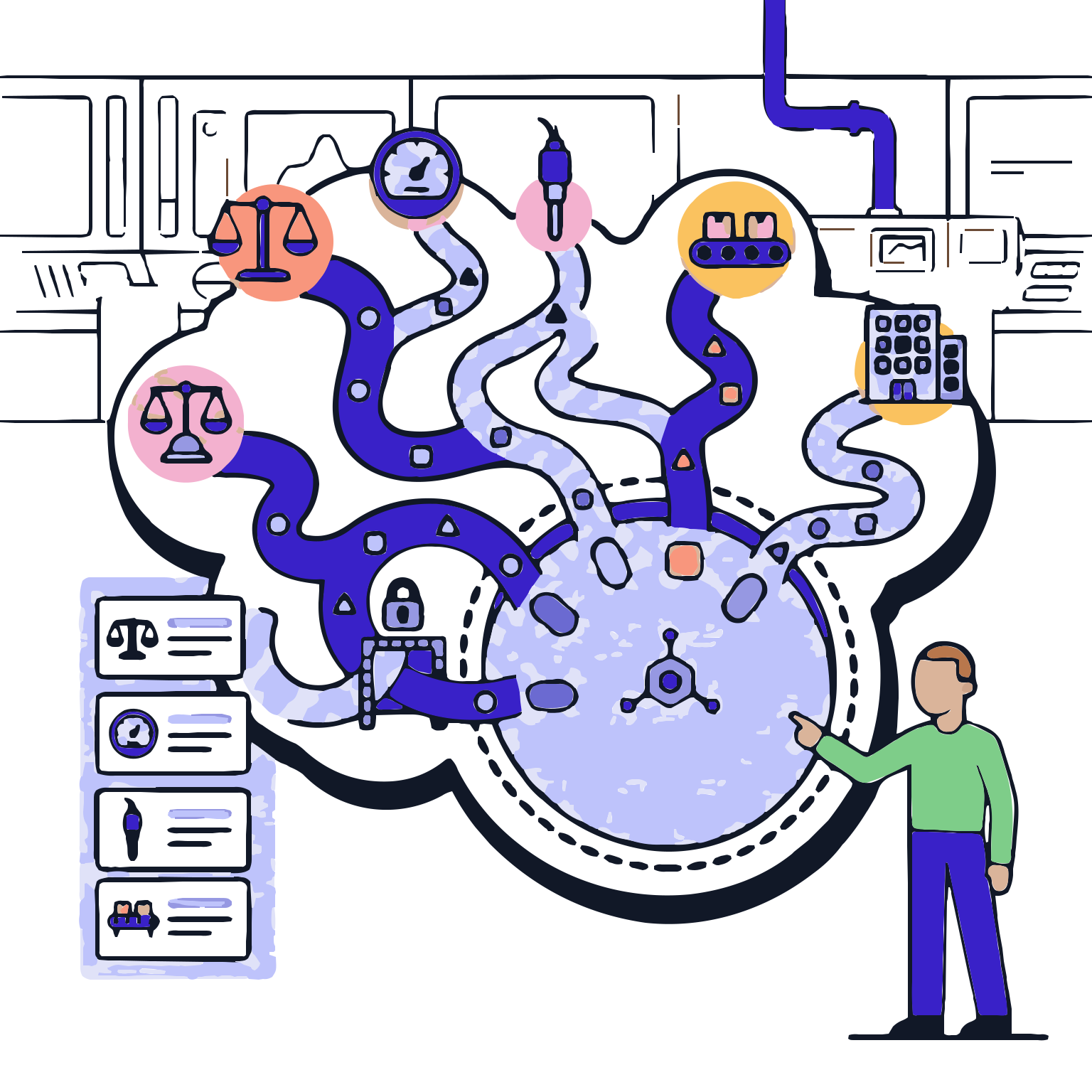
Integrated Data Collection associates data received from equipment or enterprise systems with manufacturing steps, combines manually entered and automatically collected data in a single record, and makes the data source traceable. Data collection rules, validations, mappings and error scenarios…
Data Sources
Integration Setup
Step and Area Matching
Real-Time Data Capture
Validation and Error Management
Traceability and Compliance Validation
Data Sources

Data Sources

Which data sources do you intend to include: equipment, measurement devices, process systems, counters, production line components, or internal applications. This step defines the scope and boundaries of data capture.

Features

  •  Source Types and Scope Definition
  •  Inventory of Data Sources
  •  Data Types and Format Standards
  •  Access and Permission Limits for Data Sources

Source Types and Scope Definition
You define the integration target by specifying which data sources to include from which.

Inventory of Data Sources
Lists the used devices and systems; you create a manageable integration map.

Data Types and Format Standards
Standardizes numerical values, status information, and event logs into a standard format to enhance consistency.

Access and Permission Limits for Data Sources
You define who can access which data sources to strengthen security.

Integration Setup

Integration Setup

Connections are established between the data sources and the system, ensuring secure and controlled data flow.

Features

  •  Connection Configuration
  •  Maintains communication reliability
  •  Secure connection approach
  •  Integration Testing and Validation Steps

Connection Configuration
You start the data flow by defining the connection methods to the data sources.

Maintains communication reliability
Shows connection issues, reducing the risk of data loss.

Secure connection approach
Supports data security through access control and secure communication principles.

Integration Testing and Validation Steps
You ensure data integrity by verifying if the data is correct and correctly written.

Step and Area Matching

Step and Area Matching

You specify where the incoming data should be written in the production process and to which area.

Features

  •  Step-Based Data Matching
  •  Area and Unit Matching
  •  Parameter Set and Variant Compatibility
  •  Data Capture Triggers

Step-Based Data Matching
You tie the data to the relevant step records to enhance traceability.

Area and Unit Matching
You ensure correct unit and format matching to reduce incorrect interpretation risks.

Parameter Set and Variant Compatibility
You ensure correct parameter sets and data in product/variant differences.

Data Capture Triggers
You define when and under what conditions data should be collected.

Real-Time Data Capture

Real-Time Data Capture

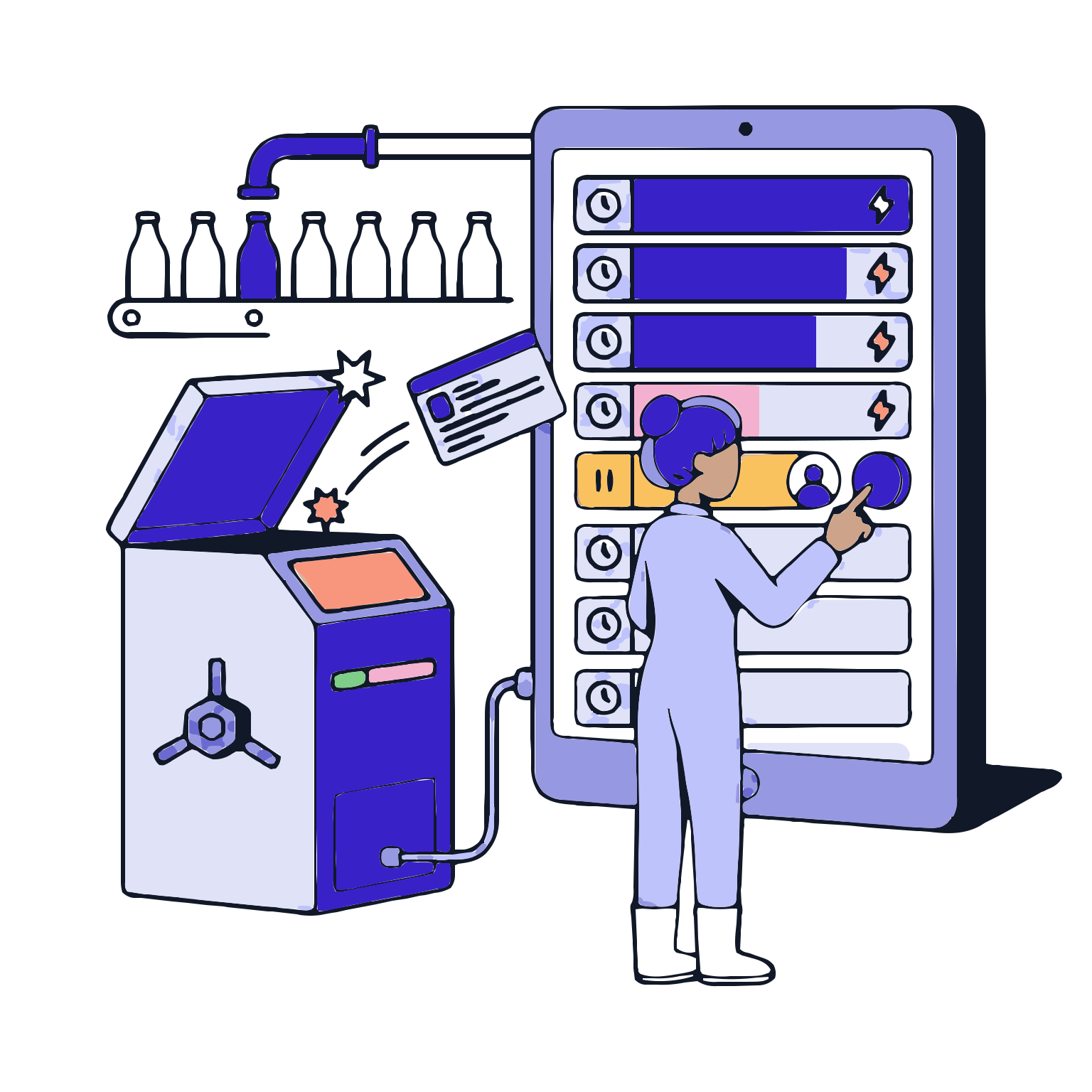
Data is collected durably during production and is displayed meaningfully on the operator interface. Operators verify incoming data as needed; records are generated more quickly.

Features

  •  Timestamped Data Collection
  •  Automatically Filling Data Fields
  •  Operator Approval Required Fields
  •  Event-Based Record Creation

Timestamped Data Collection
Nettle the strength of evidence in auditing by clearly indicating when the data arrived.

Automatically Filling Data Fields
Reduces manual writing; ensures speed and accuracy.

Operator Approval Required Fields
Strengthens control over critical data with operator approval or second-party verification.

Event-Based Record Creation
Creates automated records for specific events to enhance process traceability.

Validation and Error Management

Validation and Error Management

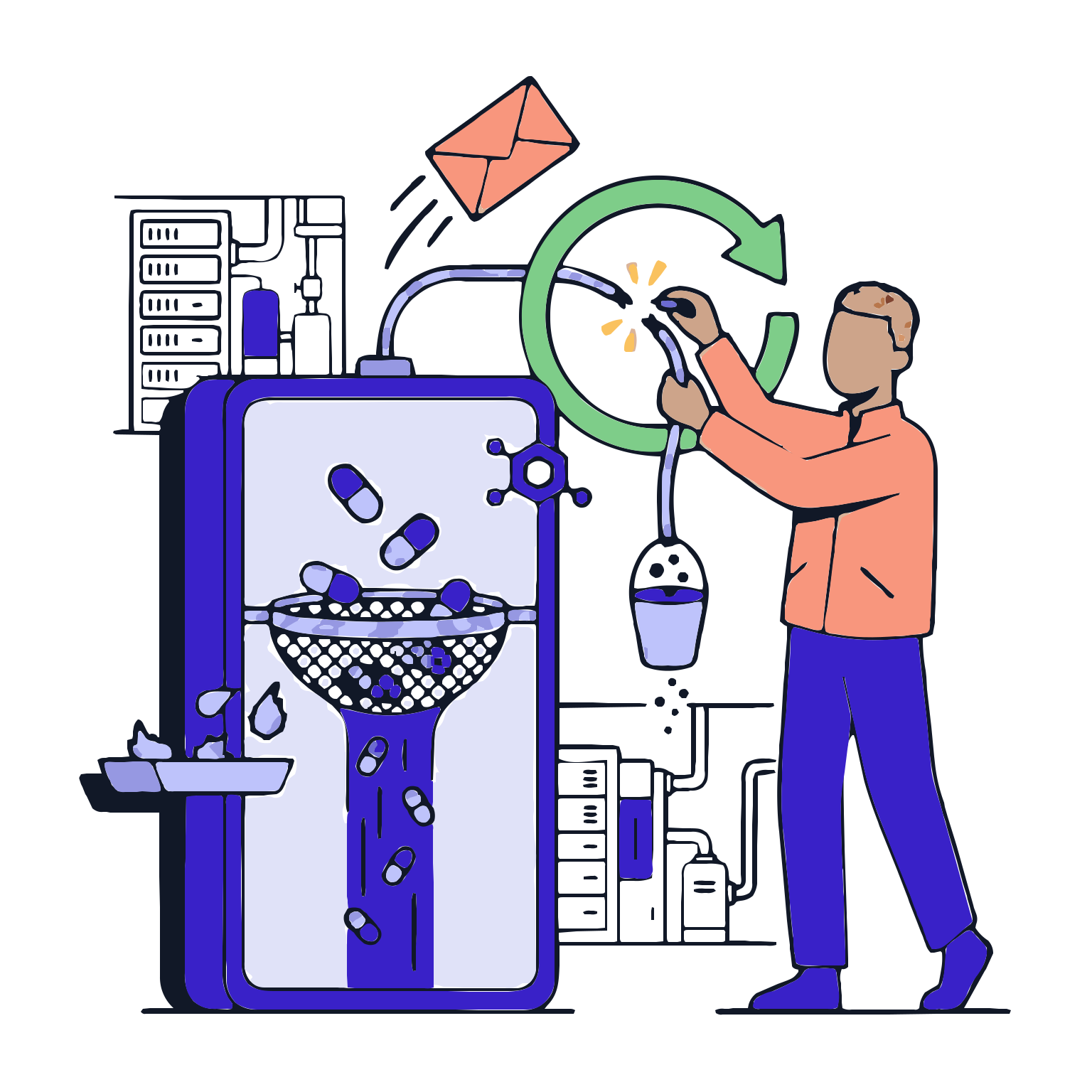
Data quality in integrations is as strong as error management. This stage captures data inconsistencies, deviations, and unexpected values; triggers the right action.

Features

  •  Data Validation Rules
  •  Connection Management
  •  Inconsistent Data and Retesting
  •  Exception/Deviation Triggering

Data Validation Rules
Prevents incorrect data entry based on approval intervals and format validations.

Connection Management
Captures error timestamps; makes the risk of data loss visible and actionable.

Inconsistent Data and Retesting
Allows alternative actions or re-reading in unexpected data scenarios; ensures quality discipline.

Exception/Deviation Triggering
Captures process errors; undermines quality discipline.

Traceability and Compliance Validation

Traceability and Compliance Validation

In auditing, the origin of the data must be clear. This stage makes the data source, time, step, and user context visible; creates a robust audit package.

Features

  •  Data Source Traceability
  •  Step-Data-Equipment Association
  •  Data Collection History
  •  Ready-to-Print Audit Reports

Data Source Traceability
Indicates whether data was entered manually or automatically; ensures transparency.

Step-Data-Equipment Association
Indicates which step and equipment the data came from; enhances traceability.

Data Collection History
Shows the flow and changes of collected data over time; simplifies internal reviews.

Ready-to-Print Audit Reports
Provides strong evidence in audits through integration logs and data tracking.