Exception-Based Review and Batch Release

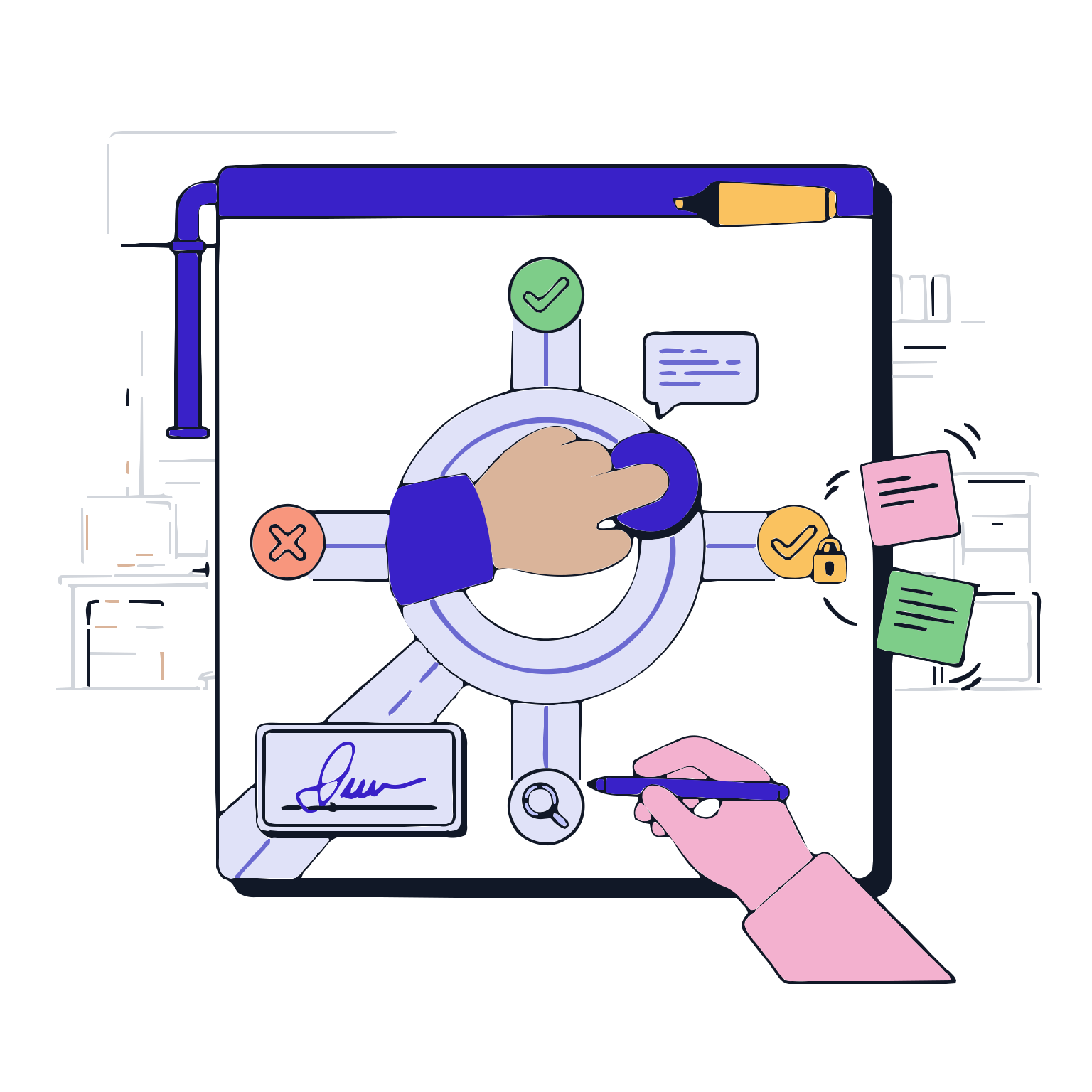
Quality reviews eliminate the need for a thorough review of every batch. However, a well-designed digital production record shows that the normal flow is already standardized, and the focus should be on exceptions. The Exception-Based Review and Batch Release module directs the quality team to focus on the right areas: keep the normal ones in the background, and bring the risky ones to the forefront.

With this module, the quality team can see all the issues such as open deviations, critical limit violations, missing signatures, missing records, inappropriate material/equipment usage, etc., on a single screen. They can review the required evidence and make decisions with confidence. As a result, the review period is shortened, the batch release becomes more predictable, and a traceable decision trail is established in the audit.


Request a Demo

Exception-Based Review and Batch Release
Exception-Based Review and Batch Release; post-production quality reviews are managed based on exceptions. The system flags risky areas automatically, categorizes exceptions, links evidence to relevant records, and standardizes the decision-making process. After the review, decisions such as batch…
Review Scope
Exception Collection and Classification
Record Review
Approval
Conditional Release Conditions
Audit and Reporting
Review Scope

Review Scope

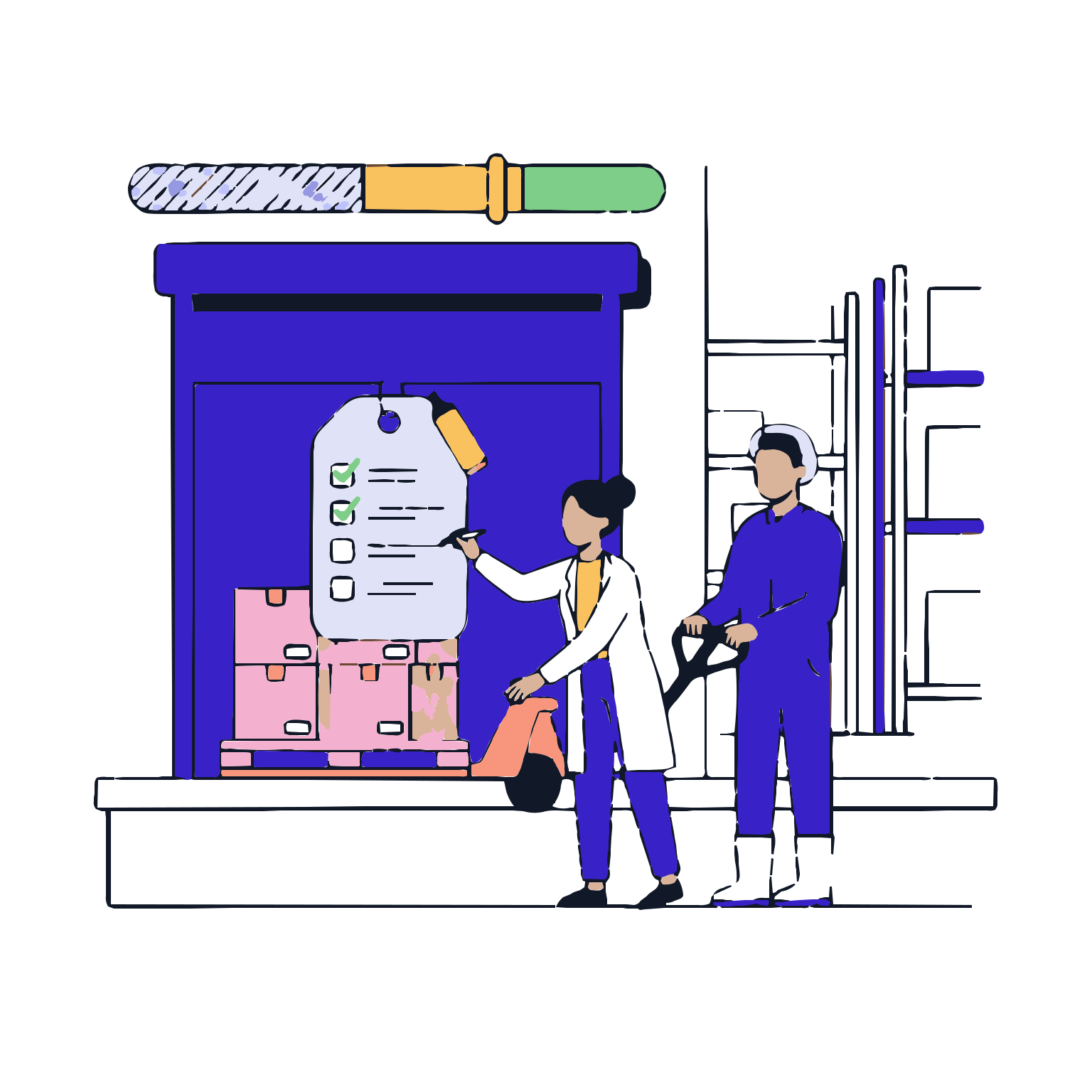
The review starts by clearly defining the scope of evaluation for the batch. The system highlights the inspection controls and the minimum requirements needed for the review; it standardizes the starting point for the quality team.

Features

  •  Batch Release Conditions Control
  •  Review Checklist
  •  Role and Authorization Verification
  •  Review Objectives and Criteria

Batch Release Conditions Control
Highlights the visible issues such as missing records, open steps, incomplete controls, etc.; it provides a clean start for the review.

Review Checklist
Serves a standard checklist for consistent progress throughout the batch.

Role and Authorization Verification
Enforces control over the decision-making process by only allowing authorized roles to manage the review steps.

Review Objectives and Criteria
Clarifies the criteria for the decision to reduce the room for interpretation.

Exception Collection and Classification

Exception Collection and Classification

The system aggregates all the 'out of the ordinary' points in the batch into a single pool. Exceptions are categorized based on their type and severity; it simplifies the quality team's prioritization.

Features

  •  Automated Exception Compilation
  •  Exception Categories
  •  Severity and Priority Levels
  •  Exception-Step-Record Linkage

Automated Exception Compilation
Automatically aggregates issues such as limit violations, missing signatures, missing records, etc., reducing manual search efforts.

Exception Categories
Parameter/limit, material, equipment, record, signature, deviation, etc., categorizes the inspection.

Severity and Priority Levels
Highlights critical exceptions; it speeds up the review process.

Exception-Step-Record Linkage
Clarifies the context of the exception and the related record; it reduces context loss.

Record Review

Record Review

When an exception is found, the original value is quickly reviewed. At this stage, relevant record entries, time stamps, explanations, attachments, validations, and past transactions can be accessed from a single screen.

Features

  •  Displays relevant records on a single screen
  •  Review Reason and Explanation
  •  Viewing Additional Files and Evidence
  •  Historical records and time stamps

Displays relevant records on a single screen
Analyzes the speed by consolidating all the information regarding exceptions.

Review Reason and Explanation
Provides quick evaluation by seeing the explanations given by operators and responsible personnel.

Viewing Additional Files and Evidence
Enhances decision confidence by examining evidence such as photographs and documents.

Historical records and time stamps
Ensures strong traceability by clearly stating when and what actions were taken.

Approval

Approval

Quality team evaluates exceptions and records the decision. The decision is not just the result; it should also include the rationale, approval steps, and conditions if necessary.

Features

  •  Decision options and standardization
  •  Decision rationale and notes
  •  Approval flow and signature steps
  •  Task activation after decision

Decision options and standardization
Release, conditional release, additional review/action request, reject, etc. decisions are standardized.

Decision rationale and notes
Ensures traceability by documenting the reasons for the decision in the audit trail.

Approval flow and signature steps
Strengthens governance by ensuring the decision is approved by the appropriate authorities.

Task activation after decision
Automatically initiates additional controls, deviation actions, or corrective actions based on the need.

Conditional Release Conditions

Conditional Release Conditions

Part release is not the same for all parts; some parts may require additional conditions or controls. This stage controls the conditional release approach in a controlled manner and maintains process clarity.

Features

  •  Definition of Conditional Release
  •  Additional controls and completion conditions
  •  Open deviation/action control
  •  Conditional Release Management

Definition of Conditional Release
Records and makes traceable the decision for conditional release under specific conditions; reduces ambiguity.

Additional controls and completion conditions
Defines the necessary additional controls for conditional release and makes them traceable.

Open deviation/action control
Controls quality risk by preventing conditional release when critical issues are present.

Conditional Release Management
Manages the part's conditional release status in clear categories to ensure transparency.

Audit and Reporting

Audit and Reporting

The entire inspection and conditional release process should produce a strong audit trail in the audit. This stage consolidates the inspection summary, exception lists, decision records, and approval history into a reportable format.

Features

  •  Inspection Summary Report
  •  Exception and decision reports
  •  Approval and signature records
  •  Audit trail and process history

Inspection Summary Report
Displays the part's inspection scope and results in a single report to simplify the audit.

Exception and decision reports
Ensures traceability by clearly documenting who approved what stage.

Approval and signature records
Renders traceability by documenting who approved at which stage in chronological order.

Audit trail and process history
Strengthens traceability by presenting the entire process history together with the process history.