Production Record Designer

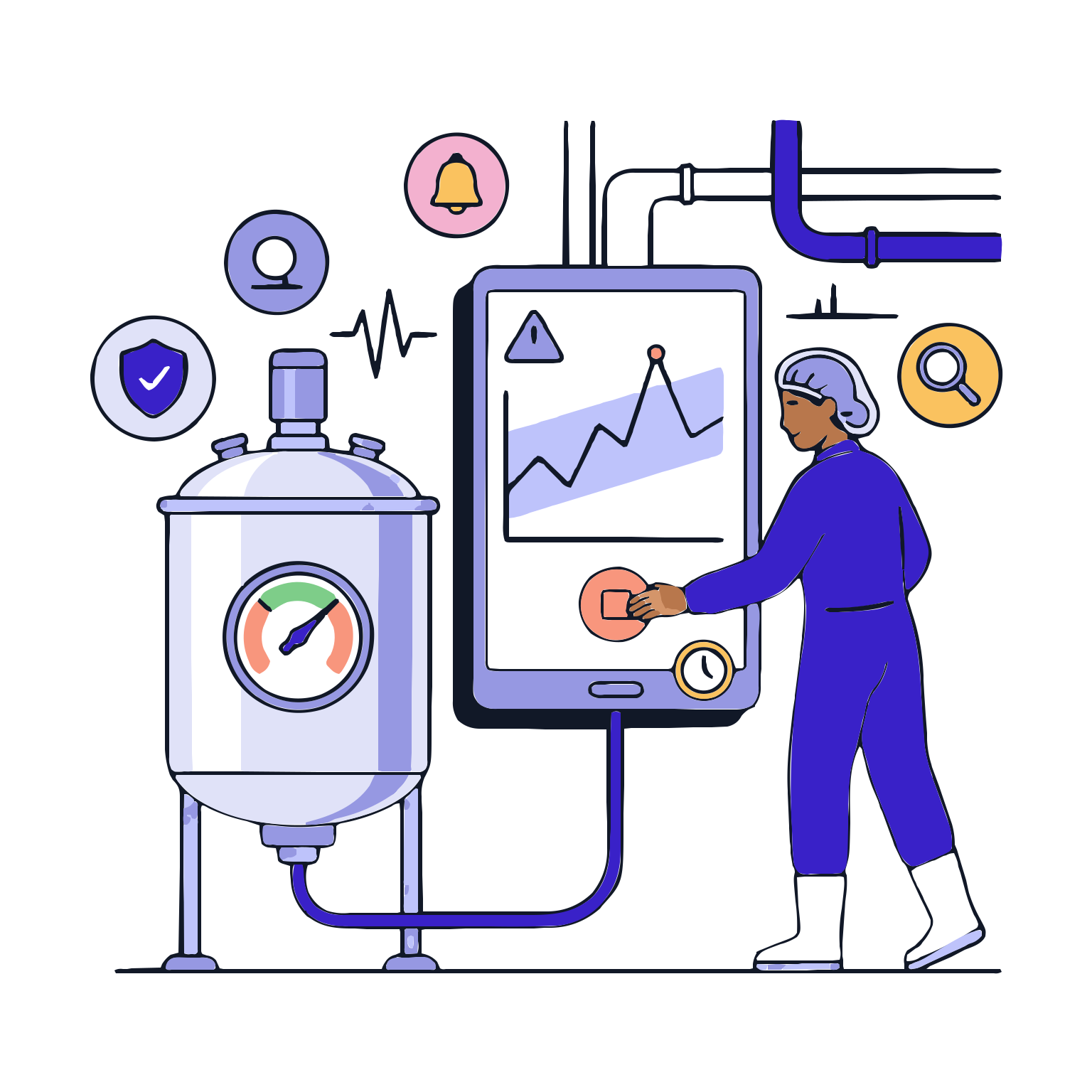
Reliability in production is not just about keeping records; it's about designing processes from start to finish and consistently executing them on-site. The Production Batch Record Designer converts approved production steps into a digital flow, clearly indicating when and how actions should be taken, and standardizing how records are collected.

With this module, each batch follows the same rules: no steps are skipped, mandatory controls are not bypassed, and records are consistent. For the production team, execution becomes easier and more guided; for the quality team, records become cleaner, faster to review, and more robust for auditing.

Request a Demo

Production Record Designer
The Production Record Designer digitizes your manufacturing process by breaking it down into steps. It establishes a standardized, traceable and auditable production record framework by defining the tasks to be performed, records to be collected, control points and approval flows for each step.
Process Flow Diagram
Step Library
Batch Record and Form Design
Rules and Controls
Approval and Release
Change Management
Process Flow Diagram

Process Flow Diagram

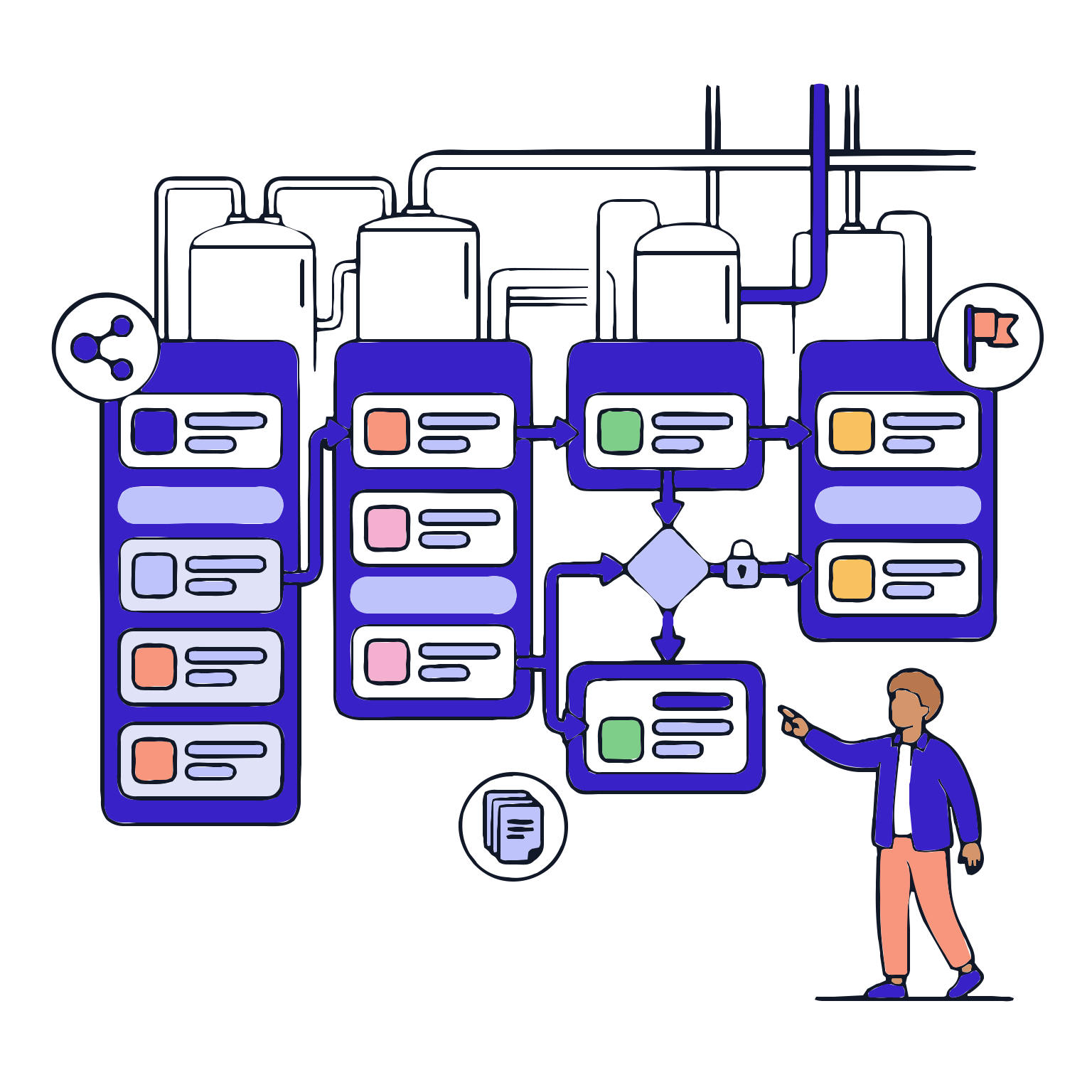
It brings production from start to finish in a visible manner. What steps are there, what step leads to what step, where controls are located; all are neatly aligned in a single flow logic. This removes dependency on site personnel and establishes a standard framework.

Features

  •  Flow-Based Step Design
  •  Step and step sequence
  •  Linked steps and conditions
  •  Standard process templates

Flow-Based Step Design
You arrange production steps in a structured manner; the system maintains this sequence during execution and prevents step execution.

Step and step sequence
Dividing the process into meaningful blocks (such as preparation, production, control, and closure) simplifies management and ensures clarity on-site.

Linked steps and conditions
You define under what conditions one step can transition to the next step.

Standard process templates
You quickly replicate the same flow for similar products and processes, only applying necessary adaptations.

Step Library

Step Library

Instead of rewriting repeated operations every time, you store verified steps in a library. This approach shortens design time, raises quality standards, and ensures the same step is executed consistently across all batches.

Features

  •  Standard step templates
  •  Step objectives and expected outcomes
  •  Role-based task allocation
  •  Variant alignment

Standard step templates
You set up ready templates for steps like mixing, sampling, etc., ensuring the same quality is maintained each time.

Step objectives and expected outcomes
You specify why a step is taken and what output it produces to reduce on-site observations.

Role-based task allocation
You define who performs a step, clarifying responsibilities and authority limits.

Variant alignment
You apply the same step to different product variants in a controlled manner, balancing speed and standardization.

Batch Record and Form Design

Batch Record and Form Design

The quality of data collected on-site begins with the quality of form design. Operators define input fields, mandatory fields, validations, and calculations at this stage. The result: fewer missing records, fewer corrections needed.

Features

  •  Field types and form design
  •  Required fields and validation rules
  •  Automated calculations
  •  Proofs and explanations

Field types and form design
You define numerical values, selection lists, text, and files based on requirements to collect the right data in the right format.

Required fields and validation rules
You prevent critical information from being left blank and quickly flag incorrect format entries.

Automated calculations
Reduce errors and ensure the consistency of records by having the system handle calculations such as differences and deviations.

Proofs and explanations
Enable more robust record management by requiring the addition of photos and documents with explanations during audits.

Rules and Controls

Rules and Controls

Production records do not merely aggregate data; they also control it. Limits, tolerances, and exception triggers are defined; automated control runs during production. This ensures that risks are visible during production, not after.

Features

  •  Define limits and tolerances
  •  Alert and stop logic
  •  Exception triggers
  •  Control points and frequency

Define limits and tolerances
Define acceptable intervals for critical parameters, enabling the system to perform automated evaluations.

Alert and stop logic
Issue warnings in critical incidents; stop the process when necessary to prevent the error from escalating.

Exception triggers
Allow exception/sdeviation records to open under specific conditions to improve visibility.

Control points and frequency
Define what actions need to be taken at which steps and how often, to instill discipline.

Approval and Release

Approval and Release

The designed electronic batch record must be validated before it can be released to the market. This involves the approval process, which is executed and official versions are published. This ensures that everyone is on the same version.

Features

  •  Approval flow definition
  •  Official version release
  •  Post-release protection
  •  Release records

Approval flow definition
Assign responsibility for who controls and approves the design, clarifying accountability.

Official version release
Publish approved versions to create a single and correct version for execution.

Post-release protection
Prevent unauthorized changes to the version used in the field, ensuring process reliability.

Release records
Track who published when and who approved; provide strong evidence during audits.

Change Management

Change Management

Production processes evolve over time; the key is to manage changes in a controlled and traceable manner. This stage manages the reason for change, its impact, the production of the new version, and the approved transition. This ensures confidence in operations and quality.

Features

  •  Reason and impact assessment
  •  New version creation
  •  Version comparison
  •  Approved transition

Reason and impact assessment
Record why it changed and what it changed; control the process.

New version creation
Update records to prepare them as new versions; keep previous versions for traceability.

Version comparison
Highlight the differences between versions; ensure clarity both internally and for audits.

Approved transition
Obtain the new version under controlled conditions; prevent confusion with the previous version.