ITS Order Picking

Integrate the order receipt process with barcode scanning to ensure the right product is dispatched to the right order and minimize errors on the floor.

At the critical stage of order preparation, the right product is correctly assembled with the right order. The Order Receipt module manages the process with a barcode/label scanning-based flow, ensuring it is quick, controlled, and traceable. This prevents errors such as wrong product, missing package, and mixed orders from slowing down operations.

The module guides the floor operator step-by-step: which orders are waiting, which packages are being assembled, which scans are completed, and which are left. The process closes cleanly upon completion, providing a solid foundation for the next step of packaging/labeling operations.

Request a Demo

ITS Order Picking
ITS Order Picking
ITS Order Picking converts orders into picking operations, lists pending picking tasks, verifies packages and products through scanning, prevents missing or incorrect scans, completes the process when picking is finished, and tracks operational progress with full traceability.
View Order Receipt Operations
Start Order Receipt Operations
Barcode Verification
Completion and Handover
Tracking and Traceability
View Order Receipt Operations

View Order Receipt Operations

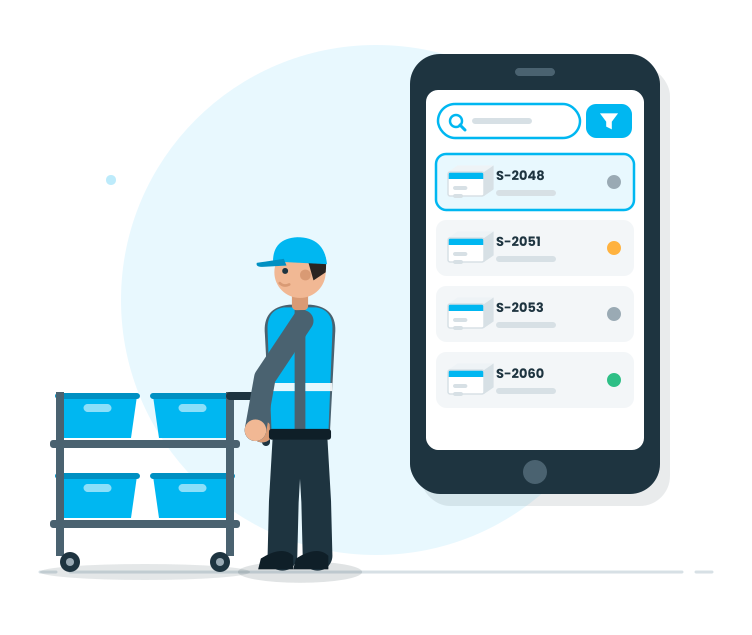
This stage is the floor team's 'order receipt list'. Orders waiting, orders in progress, and completed orders are clearly visible.

Features

  •  List of Orders Waiting for Receipt
  •  Order-based quick access
  •  Filtering and searching (order, customer, date, etc.)
  •  Visual prioritization for task execution
  •  Clear list showing the workload
  •  Quick control of order details

List of Orders Waiting for Receipt
The operator can see which orders are in the queue at a glance.

Order-based quick access
Orders are entered quickly; floor time is reduced.

Filtering and searching (order, customer, date, etc.)
It is easier to find the right work; operations speed up.

Visual prioritization for task execution
The distinction between orders waiting, in progress, and completed makes the schedule clearer.

Clear list showing the workload
The floor moves from complex screens to work-focused visuals.

Quick control of order details
Quickly verify the order contents and assembly scope to prevent erroneous starts.

Start Order Receipt Operations

Start Order Receipt Operations

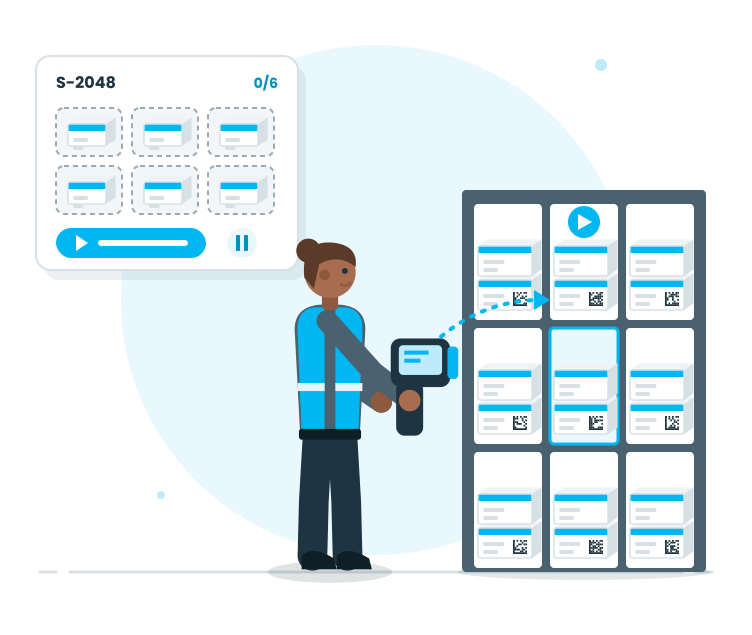
At this stage, the order is converted into an on-floor operation. The operator enters the process and the system guides the steps.

Features

  •  Initiate order receipt operations through the order
  •  Define the scope of the operation (packages/parts to be scanned)
  •  Define the steps of the operation
  •  The option to pause the operation and continue
  •  Controlled and disciplined progress
  •  Real-time guidance during the operation

Initiate order receipt operations through the order
The order receipt operation starts in one step; the floor progresses in a 'start-stop' pattern.

Define the scope of the operation (packages/parts to be scanned)
The scope of packages/parts to be scanned is clearly defined; the order receipt is planned from the start.

Define the steps of the operation
The operator knows what to do; the uncertainty of the next step is eliminated.

The option to pause the operation and continue
Even in crowded areas, the process does not get lost; the operator continues from where they left off.

Controlled and disciplined progress
Critical steps are kept under control; the process does not randomly stop.

Real-time guidance during the operation
The floor team moves in the right steps; unnecessary trial-and-error is reduced.

Barcode Verification

Barcode Verification

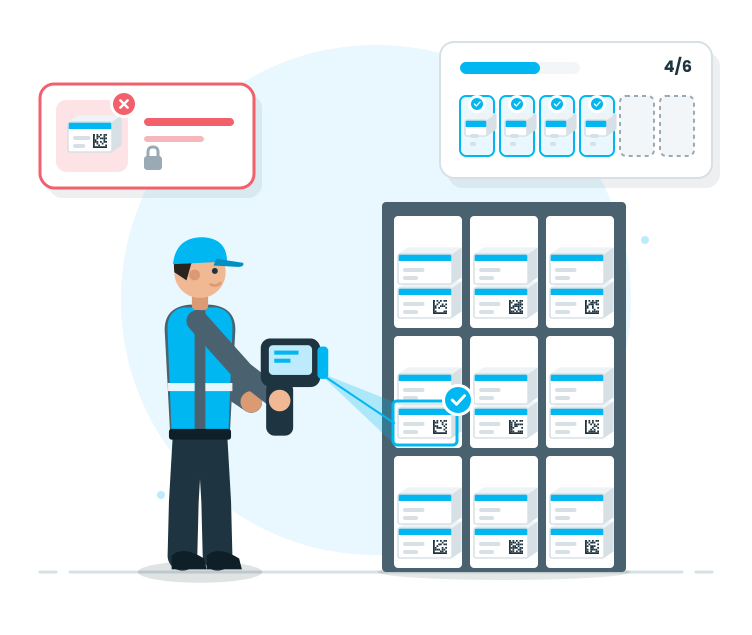
This stage defines the quality of the order receipt. The product/pack is scanned to verify; wrong scanning alerts and the operation cannot be completed without proper scanning.

Features

  •  Barcode/label scanning for verification
  •  Alert for wrong product/pack scanning
  •  Alert for incomplete scanning
  •  Visual distinction between to-be-scanned and to-be-scanned items
  •  Control points to reduce error risk
  •  Operational speed + accuracy balance

Barcode/label scanning for verification
Order receipt physically aligns with physical reality; the error rate significantly decreases.

Alert for wrong product/pack scanning
Mixed orders are prevented from the start; corrections are made in real-time.

Alert for incomplete scanning
The process does not close until all steps are completed; consistency in batching is maintained.

Visual distinction between to-be-scanned and to-be-scanned items
Operators can immediately see what is done and what is left; speed increases.

Control points to reduce error risk
Control points are implemented critically; the need for ‘post-facto corrections’ decreases.

Operational speed + accuracy balance
As the warehouse speeds up, verification remains consistent; performance improves without a drop in quality.

Completion and Handover

Completion and Handover

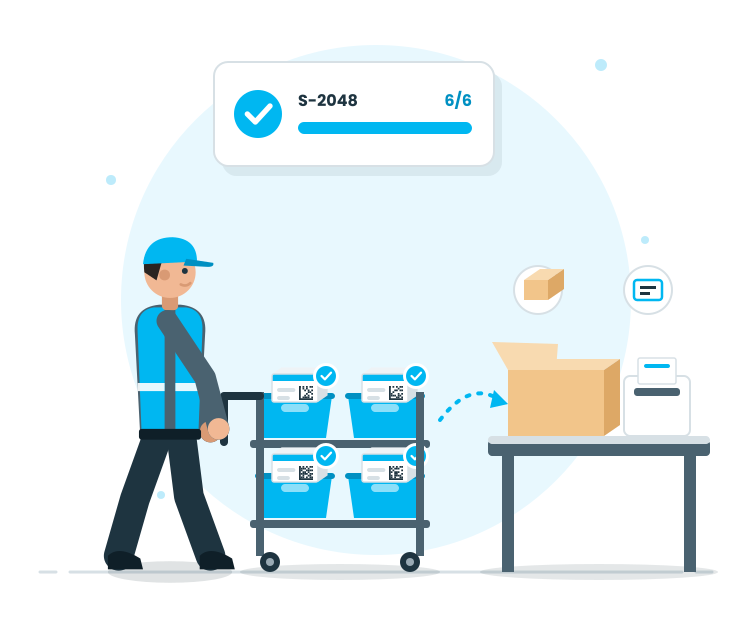
Picking is the backbone of order performance. Therefore, tracking, auditing, and visibility must be strong. This stage enhances both warehouse management and managerial visibility.

Features

  •  Status-based monitoring (waiting/ongoing/completed)
  •  Order inspection and quick finding
  •  Operation progress can be seen step by step.
  •  Managing pending workloads.
  •  Providing data for reporting and KPIs.
  •  Transparency through the history of transactions.
  •  Site and office see the same data

Status-based monitoring (waiting/ongoing/completed)
Picking operations become more predictable as their intensity increases; planning becomes easier.

Order inspection and quick finding
The right order is found quickly; intervention times shorten.

Operation progress can be seen step by step.
Where it is held can be seen; bottlenecks are quickly identified.

Managing pending workloads.
The picking queue is visible; the team is distributed evenly.

Providing data for reporting and KPIs.
Picking performance can be measured; improvement areas are identified.

Transparency through the history of transactions.
Operation records can be traced; control and supervision become easier.

Site and office see the same data
Communication is through a single point; misunderstandings decrease.

Tracking and Traceability

Tracking and Traceability

Order management is the heart of daily operations. Therefore, the ability to query, track, and visibility should be strong. This stage supports both site management and managerial visibility.

Features

  •  Status-based monitoring (waiting/ongoing/completed)
  •  Order inspection and quick finding
  •  Visibility of progress based on the operation step
  •  Performance tracking of waiting tasks on the waiting screen
  •  Reporting and providing data for KPIs
  •  Operational transparency through the transaction history
  •  Site and office see the same data

Status-based monitoring (waiting/ongoing/completed)
Tasks awaiting are clear; workload management becomes easier

Order inspection and quick finding
Orders are quickly found even in a crowded area; time loss is reduced

Visibility of progress based on the operation step
The order can be seen at which step it is; intervention is quick

Performance tracking of waiting tasks on the waiting screen
Picking/packaging/barcoding loads are visible; planning is strengthened

Reporting and providing data for KPIs
Order performance can be measured; improvement areas are revealed

Operational transparency through the transaction history
Operational progress can be traced; inspection and internal control become easier

Site and office see the same data
There is only one reality of the operation; communication gaps are reduced.