Location Management

Standardizes internal storage layout to ensure products are correctly located and minimize search times on the dock.

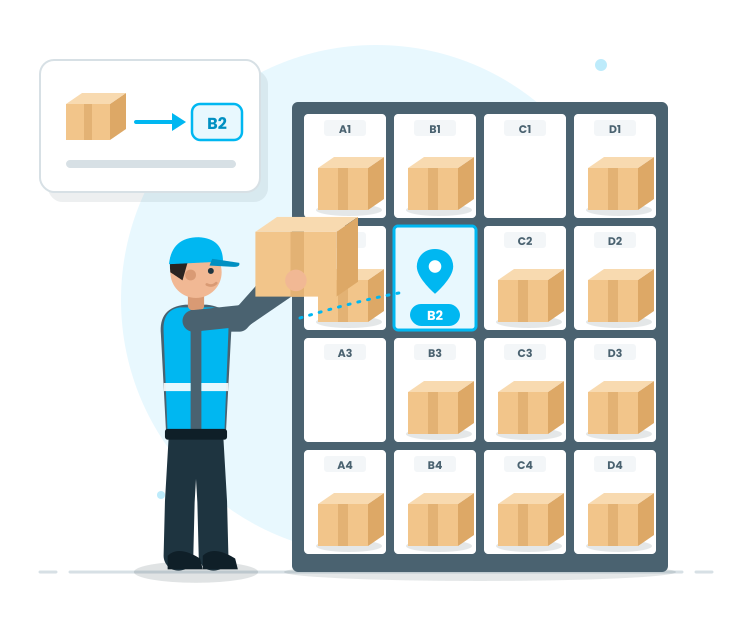
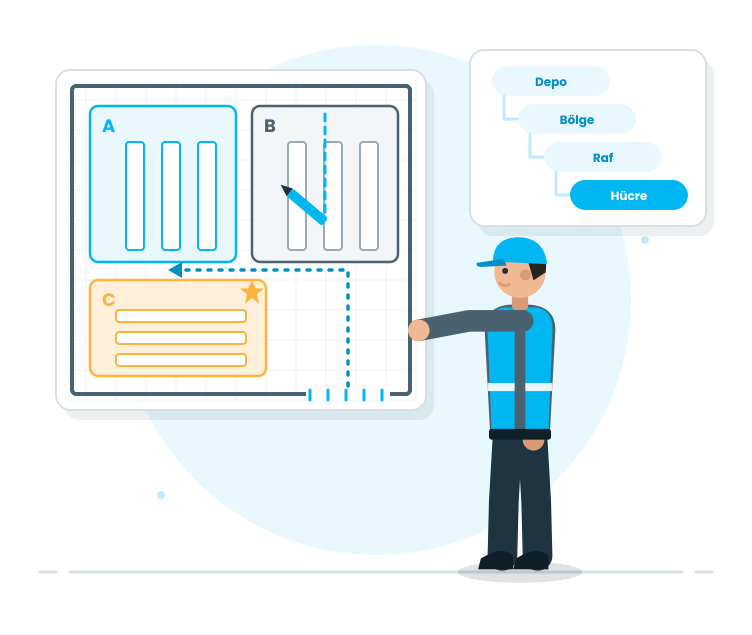
The biggest challenge for speed in the warehouse is not knowing where a product is located. The Location Management module organizes the warehouse space using a grid system, placing products in the correct location and making warehouse movements more planned. This way, dock personnel do not waste time searching; operations become faster and more error-free.

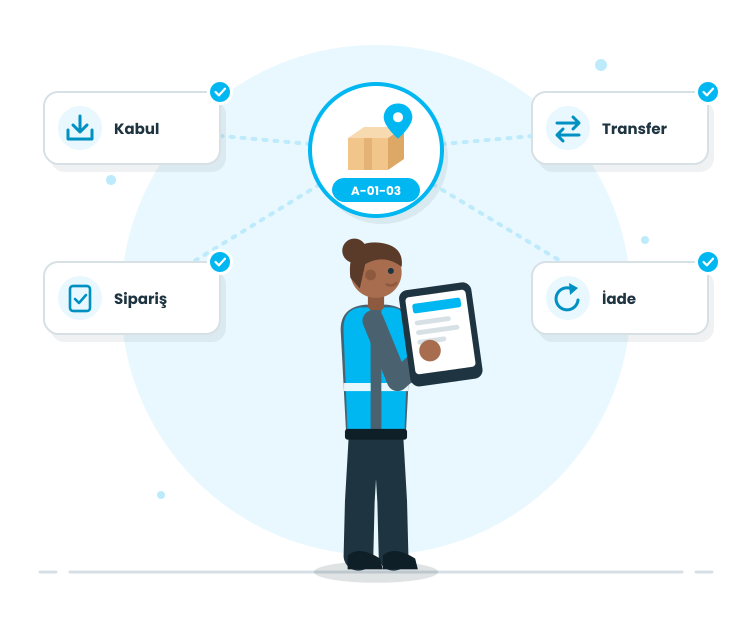
The module is not just about the setup screen. Once the grid is established, all processes such as receipt, transfer, order preparation, and return are organized. Warehouse operations become more process-oriented, rather than person-oriented, and become sustainable.

Request a Demo

Location Management
Location Management
Location Management configures warehouse space by bin and location, controls location usage, supports routing products to the correct location, and helps maintain an organized warehouse throughout operations.
Location Setup
Location Setup
Grid Layout and Placement Logic
Location Usage in Operations
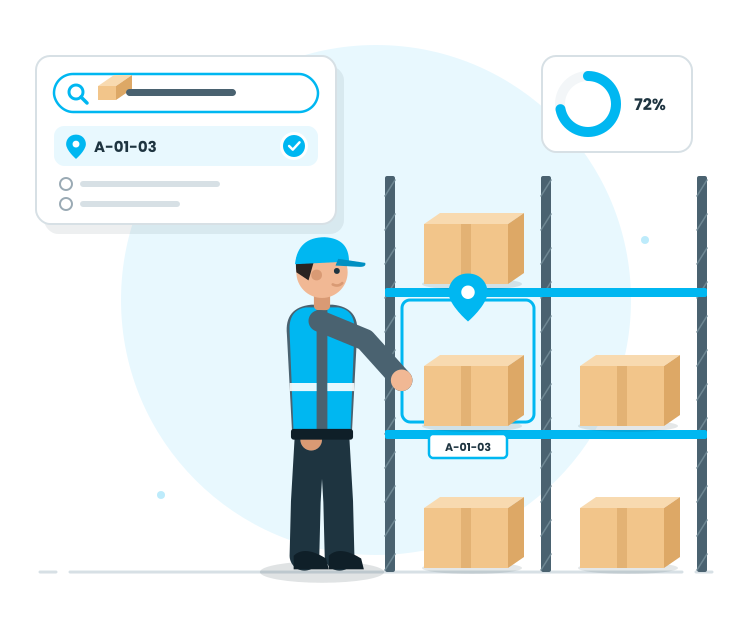
Tracking and Traceability
Location Setup

Location Setup

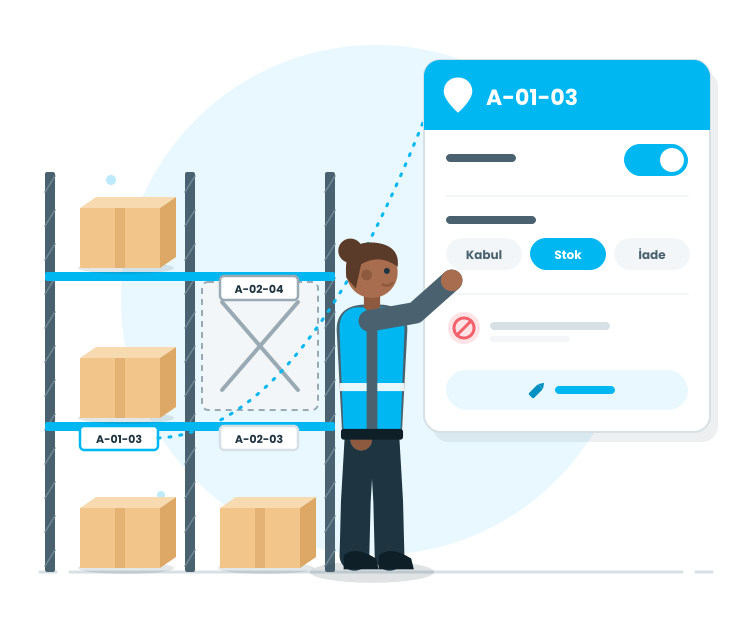
This step establishes the foundation of the warehouse layout. Warehouse areas are defined using a grid system, thus each product has a 'correct address'.

Features

  •  Dividing the warehouse space into locations
  •  Creating the hierarchical structure of the grid
  •  Naming locations in a warehouse-friendly and understandable manner
  •  Planning locations based on operational flow
  •  Making the warehouse layout sustainable

Dividing the warehouse space into locations
The warehouse space becomes a structured, controllable system; the location of products becomes clear.

Creating the hierarchical structure of the grid
The warehouse becomes addressable; locations are managed in a logical hierarchy within the system.

Naming locations in a warehouse-friendly and understandable manner
Operators can easily understand the locations; the risk of placing items in the wrong location is reduced.

Planning locations based on operational flow
High-turnover products, frequently used areas, and operational routes are considered when organizing the layout.

Making the warehouse layout sustainable
It is not location-dependent; it can be continued by new teams as well.

Location Setup

Location Setup

At this stage, the characteristics of the locations are defined. The purpose for which each location will be used is determined; instead of random placement, planned use is established in the system.

Features

  •  Creating location cards
  •  Managing the status of locations (active/inactive)
  •  Defining the usage (receipt, stock, return, etc.)
  •  Setting location constraints in operations
  •  Updating and modifying locations
  •  Reducing incorrect location usage

Creating location cards
Each location has a record; the warehouse area is mapped to the system one-to-one.

Managing the status of locations (active/inactive)
Inactive or temporarily closed locations are monitored; incorrect usage on the dock is prevented.

Defining the usage (receipt, stock, return, etc.)
Locations are organized according to their purpose; operations become more organized.

Setting location constraints in operations
Incorrect location usage is reduced; warehouse discipline is maintained.

Updating and modifying locations
The system changes with the warehouse; the location structure remains updated.

Reducing incorrect location usage
Standardization defines how to minimize 'discomfort' errors on the dock.

Grid Layout and Placement Logic

Starting the Operation

At this stage, the transfer starts on-site. The registration 'joins the operation' and the team progresses step by step.

Features

  •  Starting the operation
  •  Pending work visibility
  •  Defining the operation steps
  •  Not being able to continue from the last location
  •  Defining the permission-based operation steps
  •  Real-time validation messages during the operation

Starting the operation
Transfer entries will seamlessly flow into the execution process.

Pending work visibility
It clarifies which transfers are pending and which are in progress; operation management becomes easier.

Defining the operation steps
The crew doesn’t need to ponder, 'What’s the next step?'; the system guides the steps.

Not being able to continue from the last location
Even partial operations don’t break the process; you continue from where you are.

Defining the permission-based operation steps
Operational users and warehouse managers’ permissions are separated; critical steps are under control.

Real-time validation messages during the operation
Correct routing is directed to the delivery area with warnings for obvious errors.

Location Usage in Operations

Expiry Date (SKT) and Serial Number Rules

This layer ensures the quality of the transfer operation. Correct serial selection and SKT approach are implemented here; incorrect serial usage is prevented.

Features

  •  Recommendation for SKT-based product selection
  •  Accepting SKT from distant serials
  •  Serial/lot-based selection discipline
  •  Warning for incorrect serial selection
  •  Operational verification and control points
  •  Rule-based flow with standard transfer

Recommendation for SKT-based product selection
The system prioritizes the selection; stock aging and organization are strengthened.

Accepting SKT from distant serials
Incorrect choices are preempted; quality and operational standards are maintained.

Serial/lot-based selection discipline
Transfer traceability improves; where did the serial go is clear.

Warning for incorrect serial selection
Users are immediately warned for incorrect selections; corrective actions are performed without closing the operation.

Operational verification and control points
Clear control steps are formed for the team; a 'fast and controlled' workflow is provided.

Rule-based flow with standard transfer
Each transfer follows the same logic; individual applications for people are reduced.

Tracking and Traceability

Completion and Tracking

The transfer is completed and marked as 'completed' after verification. Discipline and traceability are strengthened here; the administrator can intervene when needed.

Features

  •  Transition to Completed Status
  •  Completion of incomplete operations is controlled
  •  Completion based on warehouse manager permissions
  •  Status-based visibility
  •  Auditability based on transaction history
  •  Regular archiving of transfer records
  •  Screen for inquiries and quick control

Transition to Completed Status
The transfer is closed clearly after completion; teams can immediately know if the work is done.

Completion of incomplete operations is controlled
If the quantity in the transfer is below the specified amount, the process won’t randomly close; control mechanisms are activated.

Completion based on warehouse manager permissions
The critical closing step is under administrator control; data consistency is maintained.

Status-based visibility
Pending, ongoing, and completed transfers are separated; work scheduling becomes easier.

Auditability based on transaction history
The transfer can be tracked; inspection and internal control have a solid record.

Regular archiving of transfer records
Access to historical transfers is quick; the operation memory doesn’t diminish.

Screen for inquiries and quick control
Records are found with filters like date, warehouse, and status; control and reporting speed up.