My Station

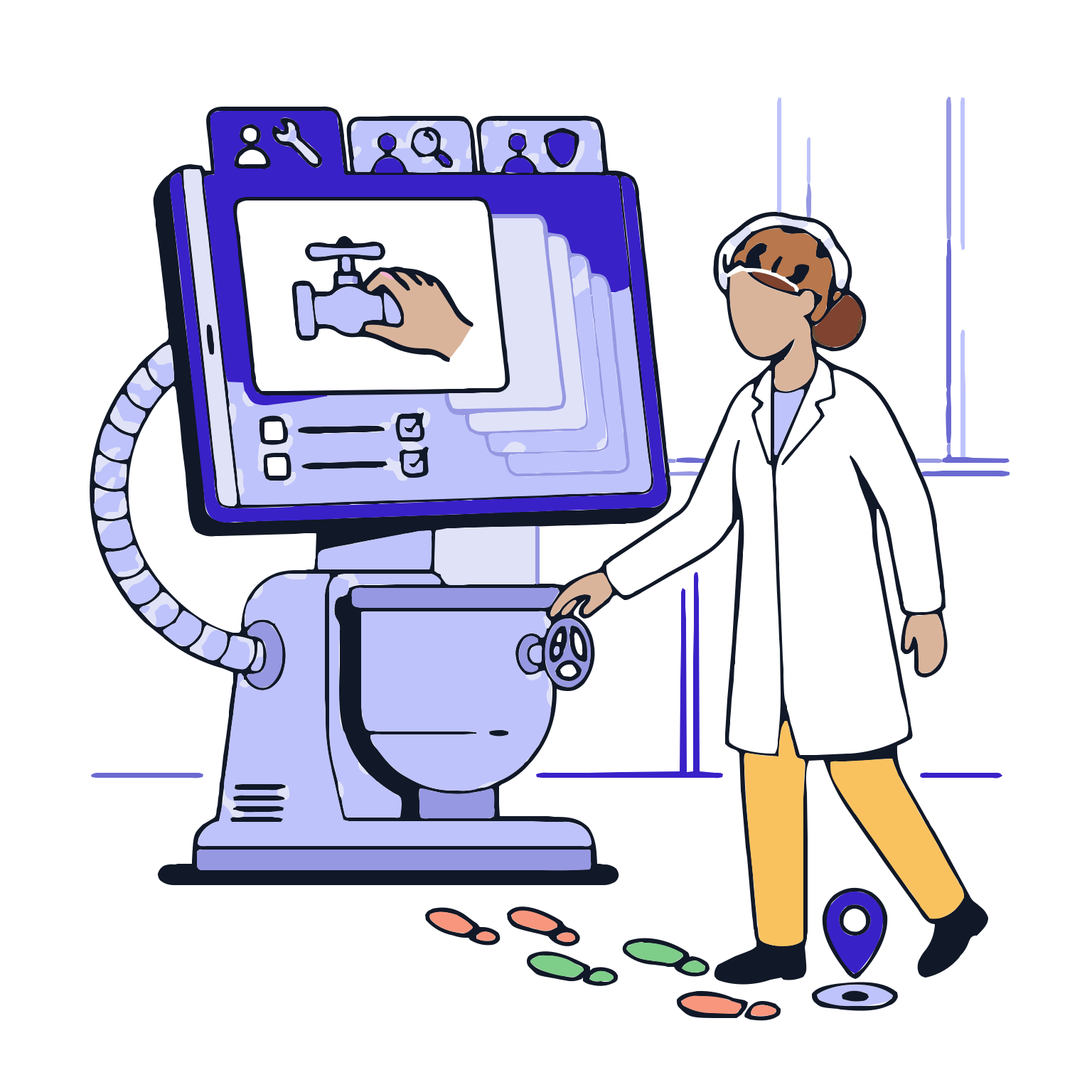
The most critical aspect of operations in the production line is for the operator to perform their tasks correctly. My module station; it guides the operator through each step, gathering the necessary records in the correct format, enforcing rules and limits, and triggering warnings, reasons, second-party validations, or exception/deviation processes when critical situations arise. The result: fewer errors, cleaner records, safer production, and faster audits.

With my station, the operator is guided step-by-step; relevant records are compiled in the correct format; rules and limits are enforced on-site; critical situations trigger warnings, reasons, second-party validations, or exception/deviation processes. The result: fewer errors, cleaner records, safer production, and faster audits.

Request a Demo

My Station
My Station
My Station presents operators with the active work list for their station, opens the relevant batch step, displays instructions, manages record-entry screens and applies controls in real time. It creates a traceable execution record by linking every action to the person, time and batch, bringing…
Work List
Step Guidance
Record and Data Input
Real-time Control
Exception and Deviation Management
Cycle and End of Cycle
Work List

Work List

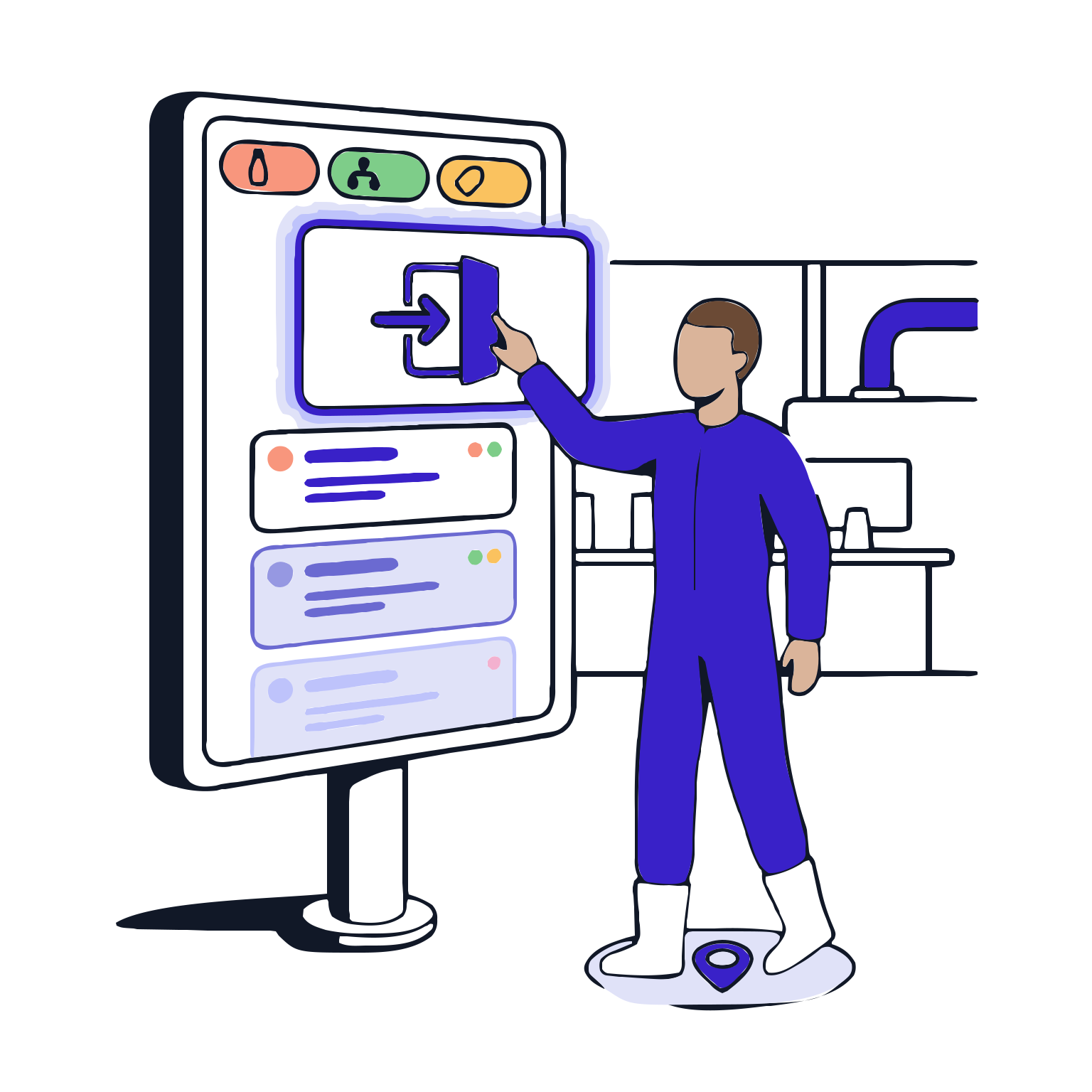
The operator sees the tasks they need to perform at their station in one place; priorities and sequences are clear. This removes the question 'What should I do?', streamlining the workflow.

Features

  •  Station-based Work List
  •  Priority and sequence visibility
  •  Filtering and searching
  •  Quick access to work

Station-based Work List
The operator is focused on their station's tasks; only relevant tasks are shown, speeding up the workflow.

Priority and sequence visibility
Netting the order of tasks; preventing incorrect sequencing that could lead to delays.

Filtering and searching
Part number, product, step, etc., as criteria for finding tasks makes it easier to find work, saving time.

Quick access to work
Opening the correct step with a single click reduces unnecessary screen navigation.

Step Guidance

Step Guidance

When the operator opens a step, the system provides clear instructions and tasks for that step. The step sequence is maintained; unnecessary comments are reduced. Standard discipline is established each day.

Features

  •  Instructions and tasks for each step
  •  Required sequence and step transition control
  •  Role-based navigation
  •  Visual and reference content

Instructions and tasks for each step
The operator is informed about what needs to be done at each step and the correct actions to take, reducing errors.

Required sequence and step transition control
Preventing step skipping; preventing progress without completing required records.

Role-based navigation
The operator provides the content and actions based on their role, ensuring the right person gets the right information.

Visual and reference content
Applying visual/auxiliary content at the right places to ensure it is used on-site.

Record and Data Input

Record and Data Input

The operator enters the required records from the forms provided by the system. Required fields, format validation, and standard field types ensure clean records. Late completion is reduced.

Features

  •  Data Input via Form
  •  Required fields and format validation
  •  Automated calculation fields
  •  Proofs and explanations

Data Input via Form
Data is aggregated from standard forms, reducing text-based inconsistencies.

Required fields and format validation
Capturing invalid or missing entries before they are entered increases data integrity.

Automated calculation fields
Reducing calculation errors; reducing the operator's workload, improving record consistency.

Proofs and explanations
Adding photos/documents and explanations where needed to enhance the auditability of the record.

Real-time Control

Real-time Control

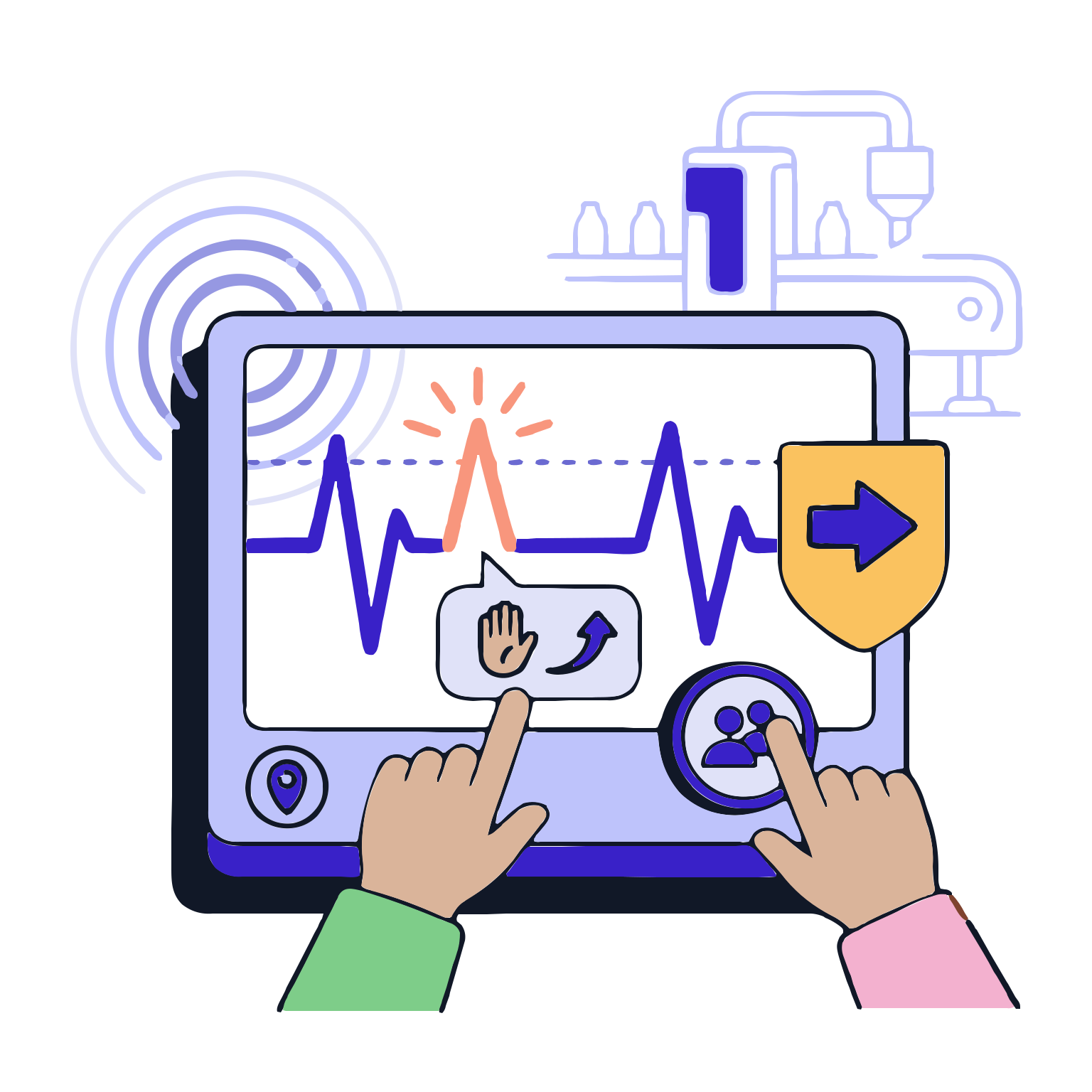
The system controls and audits the entered values and actions against rules and limits in real-time. The system provides warnings and halts progress when necessary; risks are visible during production.

Features

  •  Alert and guidance messages for limit and tolerance control
  •  Pause and safe progression actions
  •  Second Party Validation
  •  Acceptable and unacceptable values for critical parameters are immediately detected and controlled without increasing risk

Alert and guidance messages for limit and tolerance control
Clearly instructs the operator on what to do; reduces the likelihood of incorrect progression

Pause and safe progression actions
Enhances security by implementing second-person control in critical operations, instilling discipline

Second Party Validation
Prevents the spread of critical incidents by pausing steps in critical operations

Acceptable and unacceptable values for critical parameters are immediately detected and controlled without increasing risk
Requires a documented exception or deviation when only a warning is insufficient; station guides the operator to the correct sequence, gathers necessary information, and brings the process to a traceable state

Exception and Deviation Management

Exception and Deviation Management

Exception initiation

Features

  •  Deviation notification
  •  Gathering justification and impact information
  •  Captures abnormal flow events to maintain visibility and strengthen control
  •  Automatically associate with relevant records

Deviation notification
Initiates a quality discipline process in critical deviations to reduce quality risk

Gathering justification and impact information
Captures the 'What happened, why, and what was affected' information to speed up the review process

Captures abnormal flow events to maintain visibility and strengthen control
Links exceptions and deviations to step, time, person, equipment, material, and parameter to enhance traceability

Automatically associate with relevant records
Limits the spread of abnormal events by documenting them; strengthens control

Cycle and End of Cycle

Cycle and End of Cycle

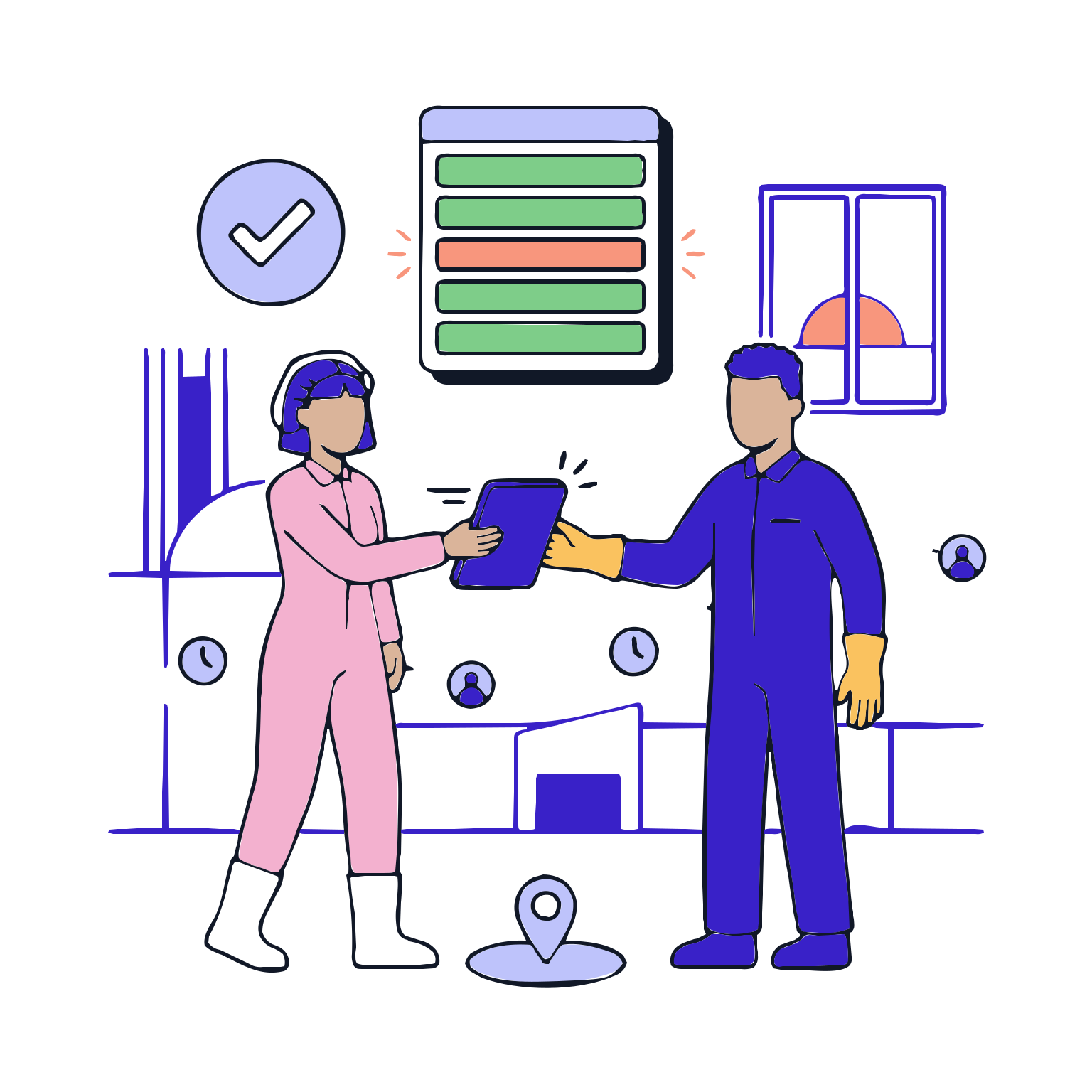
Shift change, task rotation, and step stop; these are the most confusing areas. This stage ensures the process is not interrupted or disrupted, and steps are controlled and closed in a timely manner

Features

  •  Shift rotation and task transfer
  •  Step completion control
  •  Pending work and missing record warnings
  •  Historical workflow and time stamps

Shift rotation and task transfer
Ensures work is redirected to the correct person to maintain continuity and reduce lost time

Step completion control
Prevents step closure until required fields are completed to reduce the risk of missing records

Pending work and missing record warnings
Highlights open work items to prevent forgetting and skipping

Historical workflow and time stamps
Captures who did what when for robust evidence in the audit trail