Recipe and Version Management

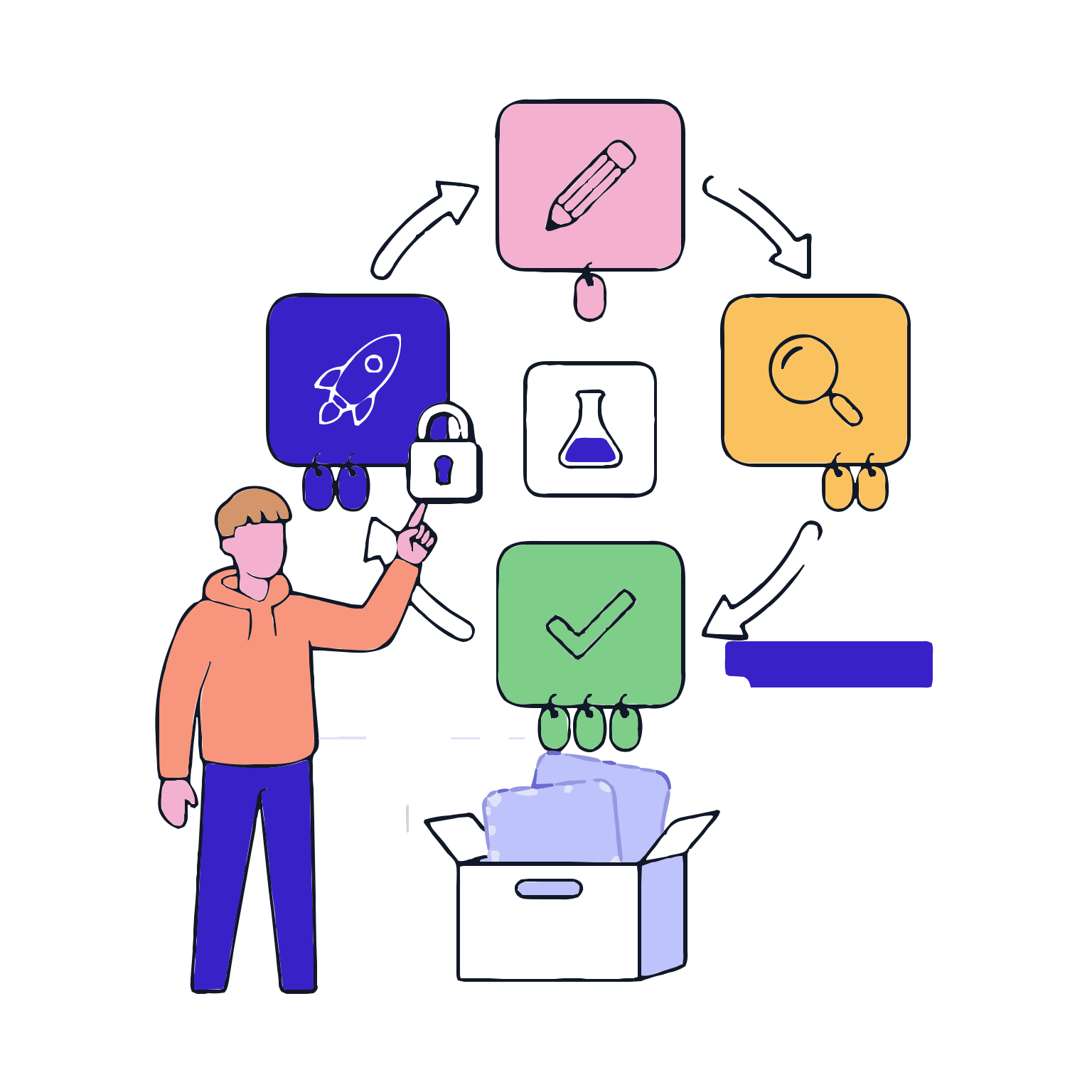
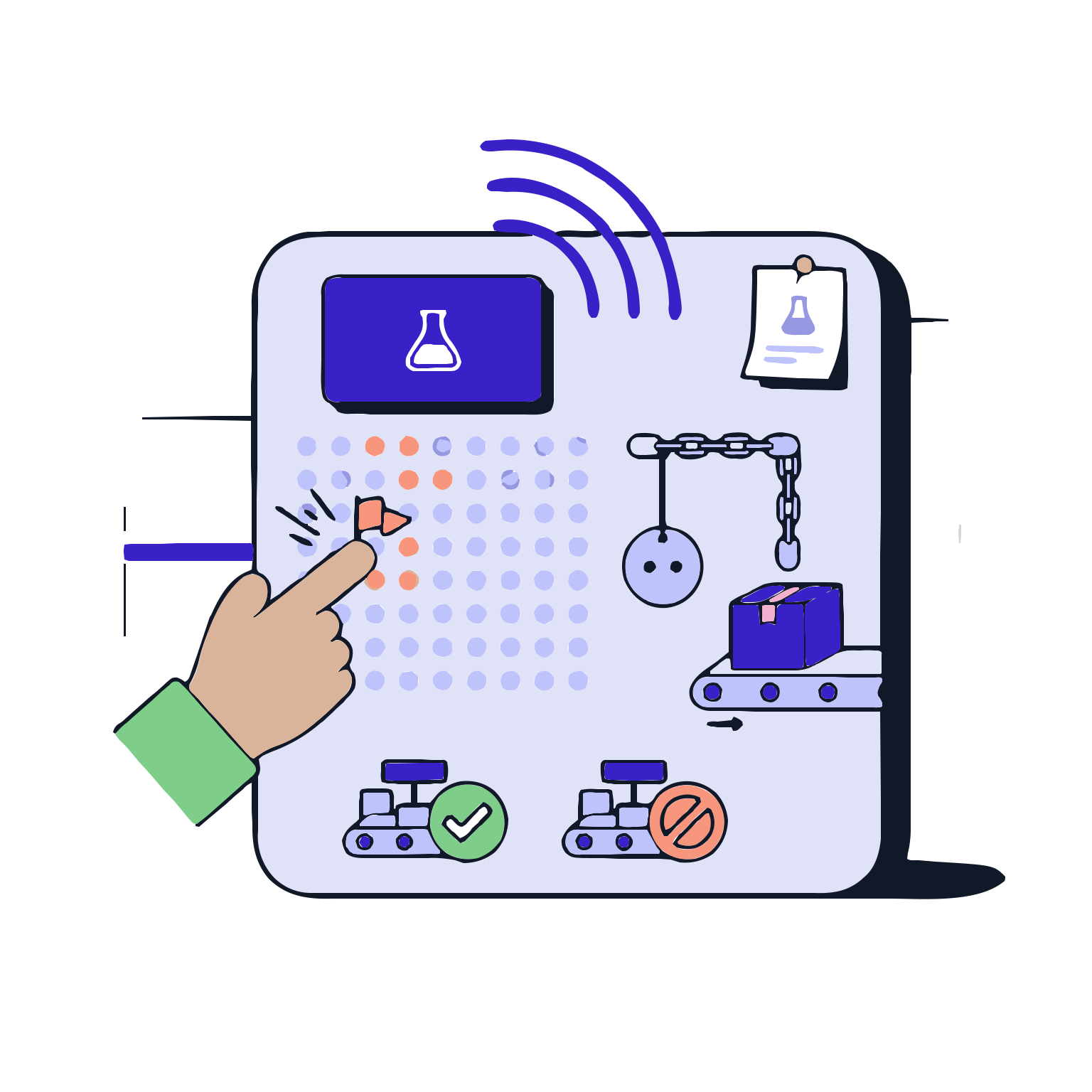
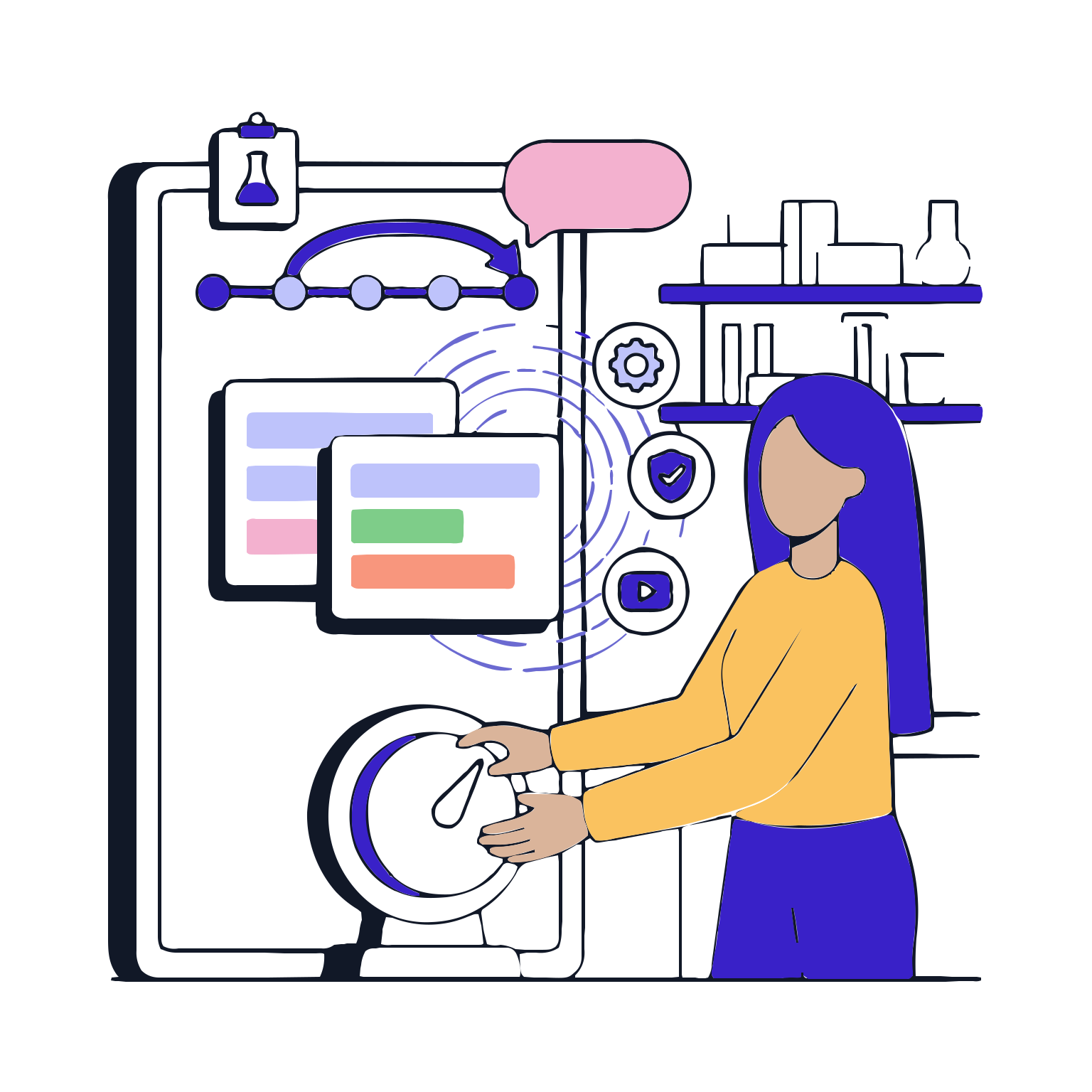
It does not mean that in production ‘same product’ always means ‘same recipe’. Process, equipment, variant, or regulatory changes are inevitable over time. The Recipe and Version Management module controls this change: it splits the recipes, approves the valid version, and records which version was used by each batch in a straightforward manner. This reduces chaos on-site: the risk of starting production with the wrong recipe is reduced, batch mix-ups during production are prevented, and the question ‘based on what rule was this done?’ is answered clearly in audit and review processes. Production speed and standards, traceability for quality, and data consistency are strengthened simultaneously.

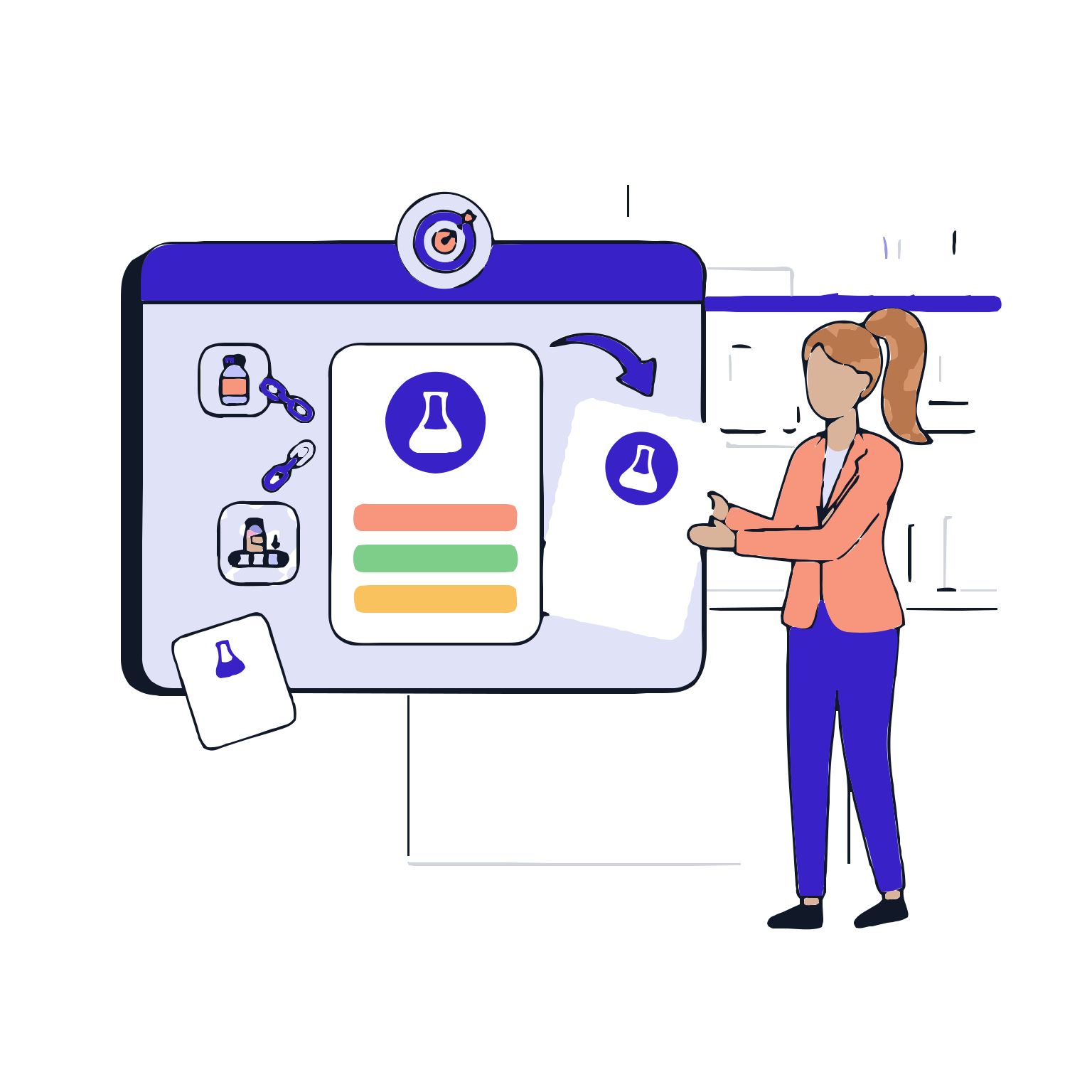
This results in less confusion on-site: the risk of starting production with the wrong recipe is reduced, batch mix-ups during production are prevented, and the question 'based on what rule was this done?' is clearly answered in audit and review processes. Production speed and standards, traceability for quality, and data consistency are strengthened simultaneously.
Request a Demo

Recipe and Version Management
Recipe and Version Management manages the draft, review, approval and release lifecycle of recipes; safeguards shop-floor execution through version locking; creates a traceable history with the rationale for changes and impact assessments; and links each batch to the version used, providing an…
Recipe Creation
Variant and Parameter Sets
Recipe Lifecycle
Enhance backward traceability by retaining old versions.
Release and Validity
Changes and Traceability
Recipe Creation

Recipe Creation

You can create recipes from scratch or by extending an approved recipe in a controlled manner. The goal is to speed up the design while maintaining the standard: correct content, correct structure, and correct scope.

Features

  •  Recipe Creation and Copying
  •  Product and process association
  •  Scope and target definition of the recipe
  •  Use of recipe templates

Recipe Creation and Copying
Create a new recipe by extending an existing approved recipe, reducing repetitive tasks.

Product and process association
Associate the recipe with the relevant product, defect, or process type to ensure it is used in the correct place.

Scope and target definition of the recipe
Define the production targets, output, and constraints that the recipe covers.

Use of recipe templates
Carry over the standard structure by using a template to maintain the same quality line in each recipe.

Variant and Parameter Sets

Variant and Parameter Sets

Manage variants within the same recipe family by controlling small differences. Parameter sets allow different product variants or production conditions to be managed without disrupting the main structure.

Features

  •  Variant definition
  •  Parameter sets
  •  Alternative flows and conditions
  •  Scope of application limits

Variant definition
Manage different production scenarios within the same product family in a single logic.

Parameter sets
Set parameters such as target values, tolerance, time, and temperature to standardize operations on-site.

Alternative flows and conditions
Define specific steps to be executed under certain conditions to provide controlled flexibility.

Scope of application limits
Define which defects, equipment, or products the recipe can be used for.

Recipe Lifecycle

Recipe Lifecycle

Each change is managed as a new version. The recipe lifecycle process is visible, ensuring that on-site operations are done with a single correct version.

Features

  •  Version numbering
  •  Status management
  •  Version lock
  •  Version archive

Version numbering
Number recipes in a standard logic to avoid confusion.

Status management
Show steps such as draft, review, approval, and release to increase control.

Version lock
Prevent unauthorized changes to published versions and protect operations on-site.

Version archive
Retain old versions to strengthen backward traceability.

Enhance backward traceability by retaining old versions.

Enhance backward traceability by retaining old versions.

The batch version is verified before the release without a deviation. This stringent control layer demonstrates strong control over correct content, correct rules, and correct risk assessment.

Features

  •  Audit Steps
  •  Approval Flow
  •  Approval Records
  •  Pre-release Control Checklist

Audit Steps
A separate evaluation framework is established for technical and quality reviews to be independently controlled.

Approval Flow
Who is responsible for approving at each stage is defined.

Approval Records
By recording the approval processes, strong evidence is produced in the audit to ensure robustness.

Pre-release Control Checklist
By preventing the release until critical controls are completed, the risk of incorrect versions is reduced.

Release and Validity

Release and Validity

The approved version is released in a controlled manner and the validity period is clearly defined. This way, when the batch is started, the system automatically selects the correct version and sets up the operation on the right base.

Features

  •  Release
  •  Validity Start
  •  Usage Restrictions
  •  Batch and Version Association

Release
The approved version is made available for use and a single correct reference is established.

Validity Start
You determine when the new version will be available from a specific date.

Usage Restrictions
By limiting the use of the version under specific conditions such as equipment or conditions, the risk of incorrect usage is reduced.

Batch and Version Association
By associating each batch with the specific rule it was produced under, you clarify the question of 'produced under what rule'.

Changes and Traceability

Changes and Traceability

Changes are inevitable; the key is to manage changes in a visible, reasoned, and traceable manner. This stage captures the impact of changes, makes the differences between versions visible, and provides secure rollback options when necessary.

Features

  •  Change Reason
  •  Impact Assessment
  •  Version Comparison
  •  Rollback and Use of Previous Version

Change Reason
You record why it changed to ensure control and transparency.

Impact Assessment
By evaluating the impact of the change on the process, quality, and execution, you reduce the risk.

Version Comparison
By clearly showing the differences between versions, you create a common understanding within the team.

Rollback and Use of Previous Version
By controlling the rollback to the previous version, you maintain the continuity of operations.